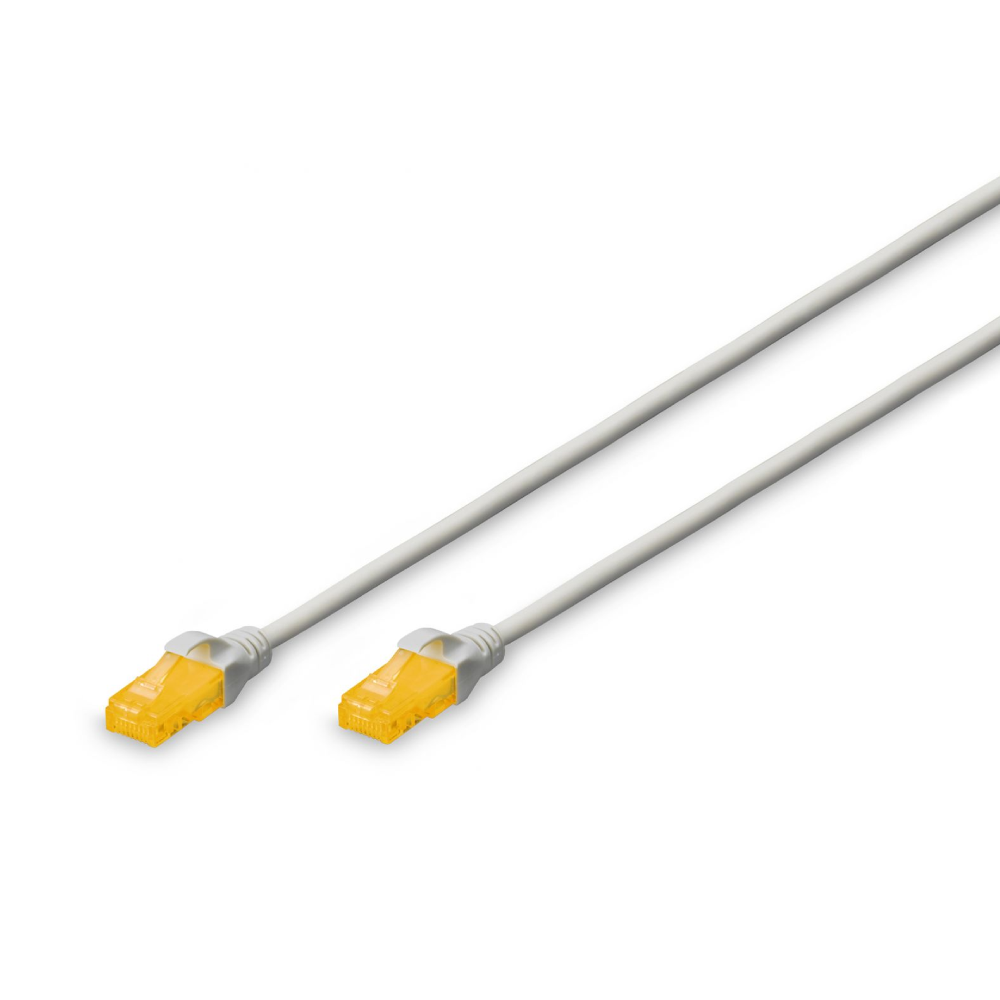
A CAT6 patch lead (short patch cable) connects network devices like computers, routers, and switches to wall plates or patch panels. It features an RJ45 connector on each end and contains four twisted pairs of copper wire to transmit data, typically supporting Gigabit speeds (1 Gbps) up to 100 meters.
Key Differences: CAT6 vs. CAT6A Patch Leads
The “A” in CAT6A stands for “Augmented.” While CAT6 and CAT6A look similar, they handle high-speed traffic very differently.
| Feature | CAT6 Patch Lead | CAT6A Patch Lead |
| Maximum Speed | 1 Gbps (Standard) 10 Gbps (Limited to ~37–55m) |
10 Gbps |
| Bandwidth | 250 MHz | 500 MHz |
| Max Distance for 10 Gbps | Not supported for full distance | Up to 100 meters |
| Cable Thickness | Thinner, flexible, easier to manage | Thicker, stiffer (due to stricter shielding/insulation) |
| Best Used For | Standard home/office networks, gaming, streaming | Data centers, high-end commercial use, 10G switches |
Why the Differences Matter
- Alien Crosstalk: CAT6A features much heavier insulation to prevent “alien crosstalk” (interference between adjacent cables). This allows it to reliably maintain 10 Gbps speeds over long distances.
- Physical Handling: Because CAT6A cables are thicker and have a wider bend radius, they can be bulkier to route through tight spaces or dense cable racks compared to CAT6 cables.
- Backward Compatibility: Both cables are fully backward compatible with older networks (like CAT5E) and use the same standard RJ45 connectors.
If you are setting up a typical home or standard office network, CAT6 is usually sufficient and more cost-effective. You should opt for CAT6A if you are building a commercial network, wiring a smart home with high-end security systems, or utilizing enterprise-grade 10G hardware.
-
 Cables & Accessories
Digitus DK-1617-020S
Read moreDigitus DK-1617-020S CAT6 Ultra Slim U-UTP Grey Color Network Patch-lead – 2m Length – AWG28 – LSZH Jacket – Strain Relief Boot with Kink Protection

-
Cables & Accessories
Digitus DK-1617-015S
Read moreDigitus DK-1617-015S CAT6 Ultra Slim U-UTP Grey Color Network Patch-lead – 1.5m Length – AWG28 – LSZH Jacket – Strain Relief Boot with Kink Protection
-
Cables & Accessories
Digitus DK-1617-010S
Read moreDigitus DK-1617-010S CAT6 Ultra Slim U-UTP Grey Color Network Patch-lead – 1m Length – AWG28 – LSZH Jacket – Strain Relief Boot with Kink Protection
-
 Cables & Accessories
Dynamix PLK-C6A-20
Read moreDynamix PLK-C6A-20 20m CAT6 Black UTP Network Patch Lead – 250MHz – 24AWG – Slimline Snagless Moulding with Unshielded Gold Plate Connector