
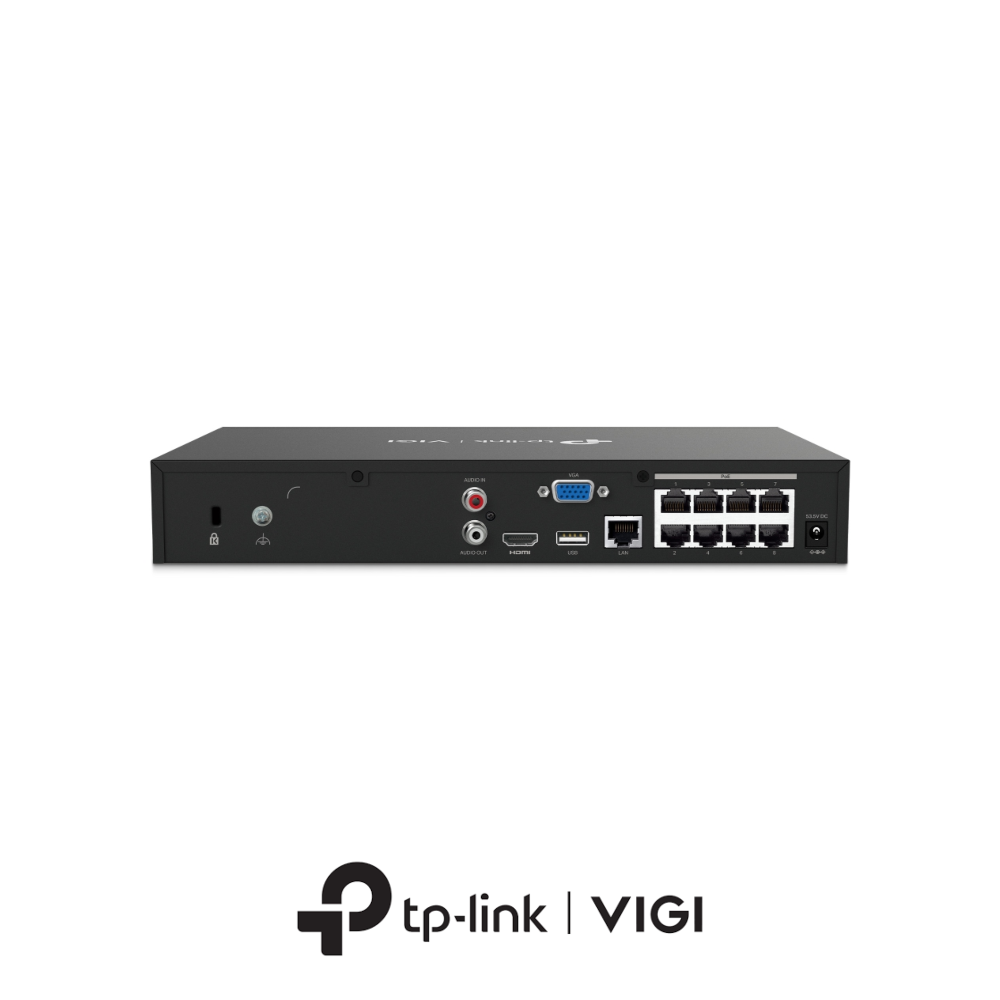
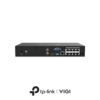
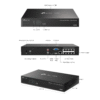
TP-Link VIGI NVR1008H-8MP
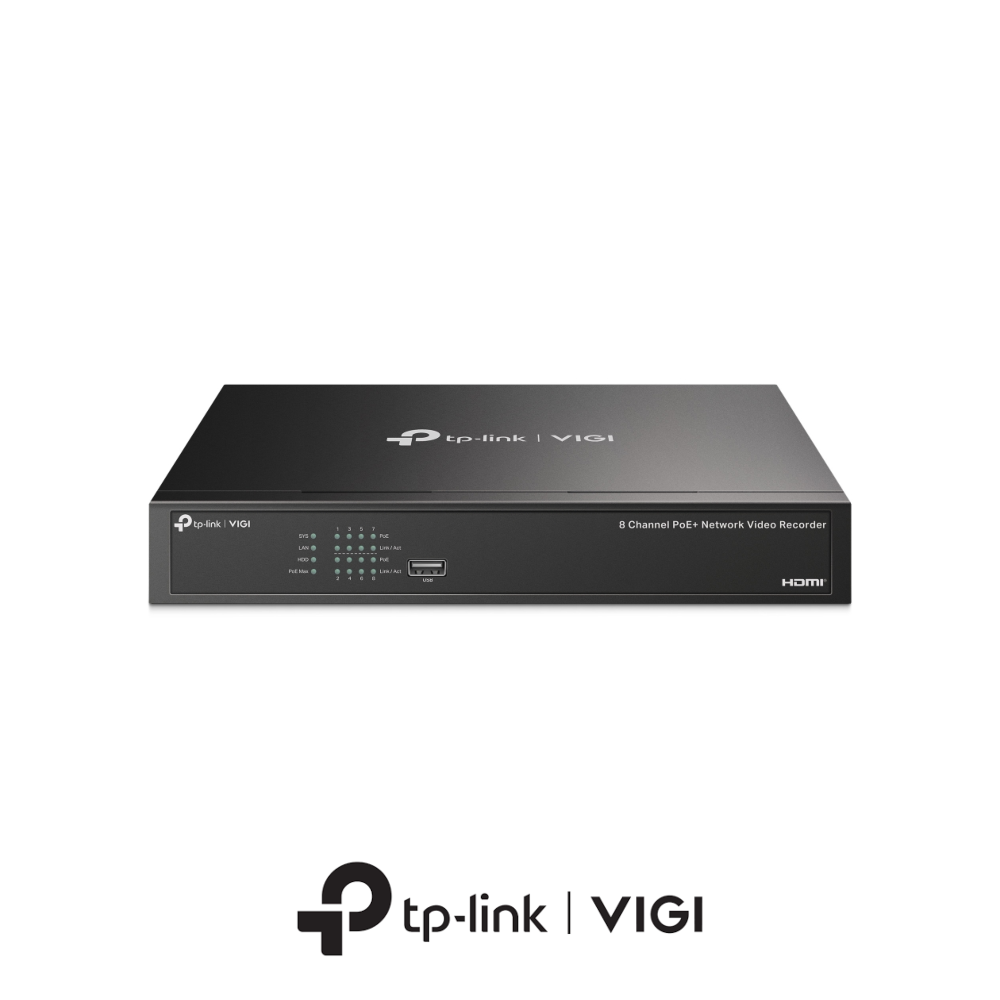
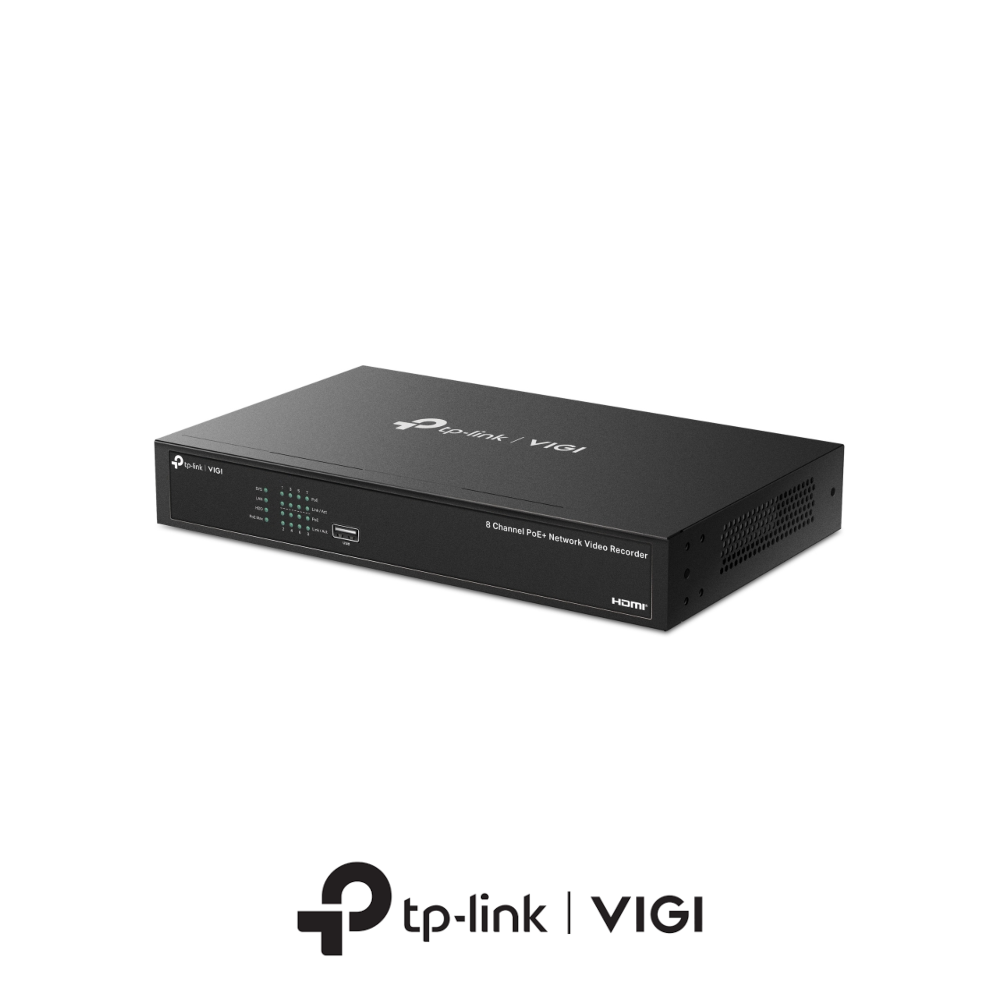
TP-Link VIGI NVR1008H-8MP 4K Mini 1U 8-Channel 8* PoE NVR – Without HDD

TP-Link VIGI NVR1008H-8MP 4K Mini 1U 8-Channel 8* PoE NVR – Without HDD
Key Features :-
- 8-Channel Live View and 4K HDMI Video Output
- 8× 10/100 Mbps PoE+ Ports with 113W PoE Budget
- Up to 8-ch @ 2MP (25fps) / 4-ch @ 4MP (25fps) Decoding Capability
- 8-Channel Synchronous Playback
- 80 Mbps Incoming Bandwidth and 60 Mbps Outgoing Bandwidth
- 1× SATA Interface and HDD supported up to 16TB
- H.265+ Compression Technology
- HDMI and VGA Simultaneous Output
- Remote Monitoring by Vigi App and (Omada) Guard App
TP-Link VIGI 4E Principles Flyer
TP-Link Omada & VIGI United Solutions Flyer

| Video and Audio | |
|---|---|
| IP Video Input | 8-Channel |
| Incoming Bandwidth | 80 Mbps |
| Outgoing Bandwidth | 60 Mbps |
| HDMI Output Resolution | 1 Channel, Resolution: 3840×2160/30Hz, 1920×1080/60Hz, 1680×1050/60Hz, 1440×900/60Hz, 1280×1024/60Hz, 1280×720/60Hz |
| VGA Output Resolution | 1 Channel, Resolution: 1920×1080/60Hz, 1680×1050/60Hz, 1440×900/60Hz, 1280×1024/60Hz, 1280×720/60Hz |
| Video Output Mode | HDMI/VGA Simultaneous Output |
| Multi-View Display | 1/4/6/8 |
| DECODING | |
|---|---|
| Audio Compression | G.711A/G.711U/G.726 |
| Video Compression | H.265+/H.265/ H.264+/H.264 |
| Record Resolution | 8MP/5MP/4MP/3MP/1080p/UXGA/720p/VGA/4CIF/DCIF/2CIF/CIF/QCIF |
| Synchronous Playback | 8-Channel |
| Capability | 2-ch @ 8MP, 4-ch @ 4MP, 8-ch @ 2MP |
| Record Management | |
|---|---|
| Record Mode | • Manual Recording • Scheduling Recording • Motion Detection Recording |
| Playback Mode | • Instant Playback • Regular Playback • Tag Playback • Event Playback |
| Backup Mode | • Regular Backup • Video Clip Backup |
| Playback Function | • Play • Pause • Stop • Fast Forward • Fast Backward • Play By Frame • Full Screen • Video Clip • Export Clip • Digital Zoom • Lock Recording • Audio On/Off |
| NETWORK | |
|---|---|
| Protocol | UPnP (Plug and Play), NTP (Network Timing) |
| Mobile Phone Access | Android, iOS |
| Web Browser | Chrome (57+), Firefox (52+), Edge (91+) |
| Interoperability | ONVIF, CGI |
| External Interface | |
|---|---|
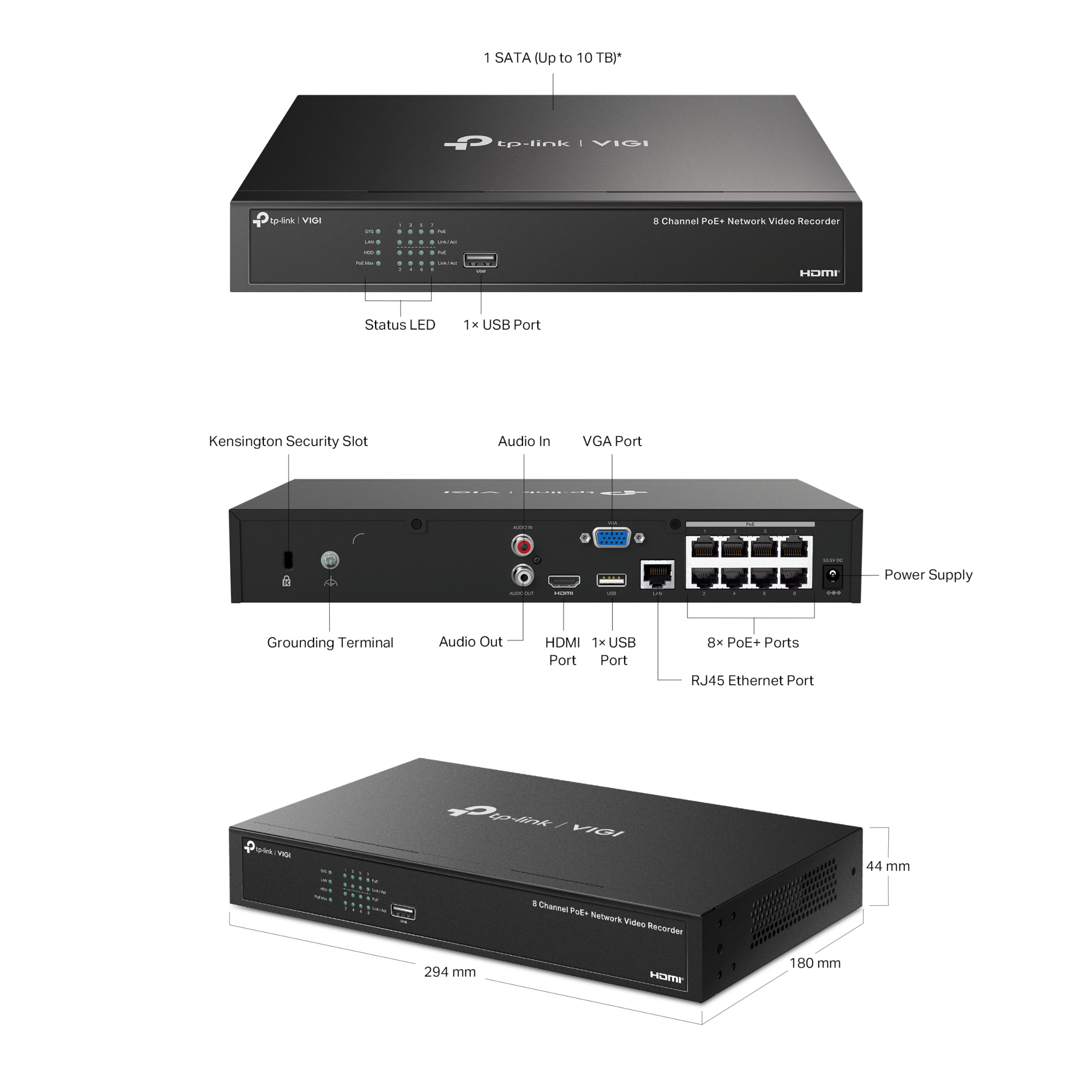
| Network Interface | 1 RJ-45 10/100 Mbps Self-Adaptive Ethernet Interface |
| USB Interface | 2× USB 2.0 |
| Audio Interface | 1, Audio In; 1, Audio Out |
| Alarm In/Out | N/A |
| Serial Interface | N/A |
| Power | 1× DC Jack |
| Reset Button | 1 |
| Speaker | N/A |
| eSATA | N/A |
| HDMI | 1 |
| VGA | 1 |
| HARD DISK | |
|---|---|
| SATA | 1 SATA Interface |
| Capacity | Up to 16 TB Capacity for Each HDD* |
| PoE | |
|---|---|
| Standard | 802.3at/af Compliant |
| Interface | 1- 8, RJ-45 10/100 Mbps Self-Adaptive Ethernet Interface |
| PoE Budget | 113 W Available for All PoE+ Ports, 30 W Max per Port |
| Alarm | |
|---|---|
| General Alarm | • Motion Detection • Video Tampering • Line-Crossing Detection • Intrusion Detection • Region Entering Detection • Region Exiting Detection • Object Abandoned/Removal Detection • Vehicle Detection • Human Detection • Smart Frame |
| Anomaly Alarm | • Video Loss • Offline and IP Conflict • Disk Exception • Login Exception |
| Alarm Linkage | • Recording • White Light Alarm • Buzzer • Log • Audible Alarm |
| GENERAL | |
|---|---|
| Storage Temperature | -40–70 °C |
| Storage Humidity | 10%~90% RH Non-Condensing |
| Package Content | • VIGI Network Video Recorder • Power Adapter • HDD Screws • Mouse • Quick Installation Guide |
| Working Temperature | NVR: -10–55 °C Power Adapter: 0–40 °C |
| Working Humidity | 10%~90% RH Non-Condensing |
| Dimensions( W X D X H ) | 294 × 180 × 44 mm |
| Net Weight | 1.12 Kg |
| Gross Weight | 2.2 Kg |
| Power Supply | 53.5V DC/2.43A |
| Max. Power Consumption | • 2.38 W (Without Disk) • 12.94 W (With Disk) |
| Certifications | CE, EAC, UKCA, RCM, Triman, BSMI, VCCI, FCC, IC, HDMI |
△PoE budget calculations are based on laboratory testing. Actual PoE power budget is not guaranteed and will vary as a result of client limitations and environmental factors.
†The number of simultaneously playable channels may be fewer than 8, or none, if the total resolution exceeds 16MP.
‡This model currently supports ONVIF Profile S/T/G.
*HDD is not included.
Mobile app for live view, playback, push alerts and two-way talk on compatible VIGI devices. Personal mode manages devices directly. Enterprise mode accesses a VMS organisation. Up to 16 live channels and one playback channel at a time.
Windows desktop software for live view, playback and video export. Supports local devices without login, devices linked to your TP-Link ID in Personal mode, and both VMS platforms. Up to 64 live channels and 9 simultaneous playback channels.
VIGI Cloud VMS (Essentials) – Free
AWS-hosted management platform. Web-browser access. Organises sites, users, devices, alarms and maps in one portal, with access via browser, PC Client or mobile app. Essential is free.
VIGI Cloud VMS (Standard) – Licensed
AWS-hosted management platform. Web-browser access. Organises sites, users, devices, alarms and maps in one portal, with access via browser, PC Client or mobile app. Supports features such as email alerts and people or vehicle attribute search.
Runs on Windows OS. Centralises cameras and NVRs across sites, with operator permissions, maps, alarm handling, AI monitoring and an evidence archive. TP-Link lists 256 camera channels free, expandable by project.
Windows installer utility for finding VIGI devices, initialising them in batches, changing network settings, updating firmware and configuring VMS access.