
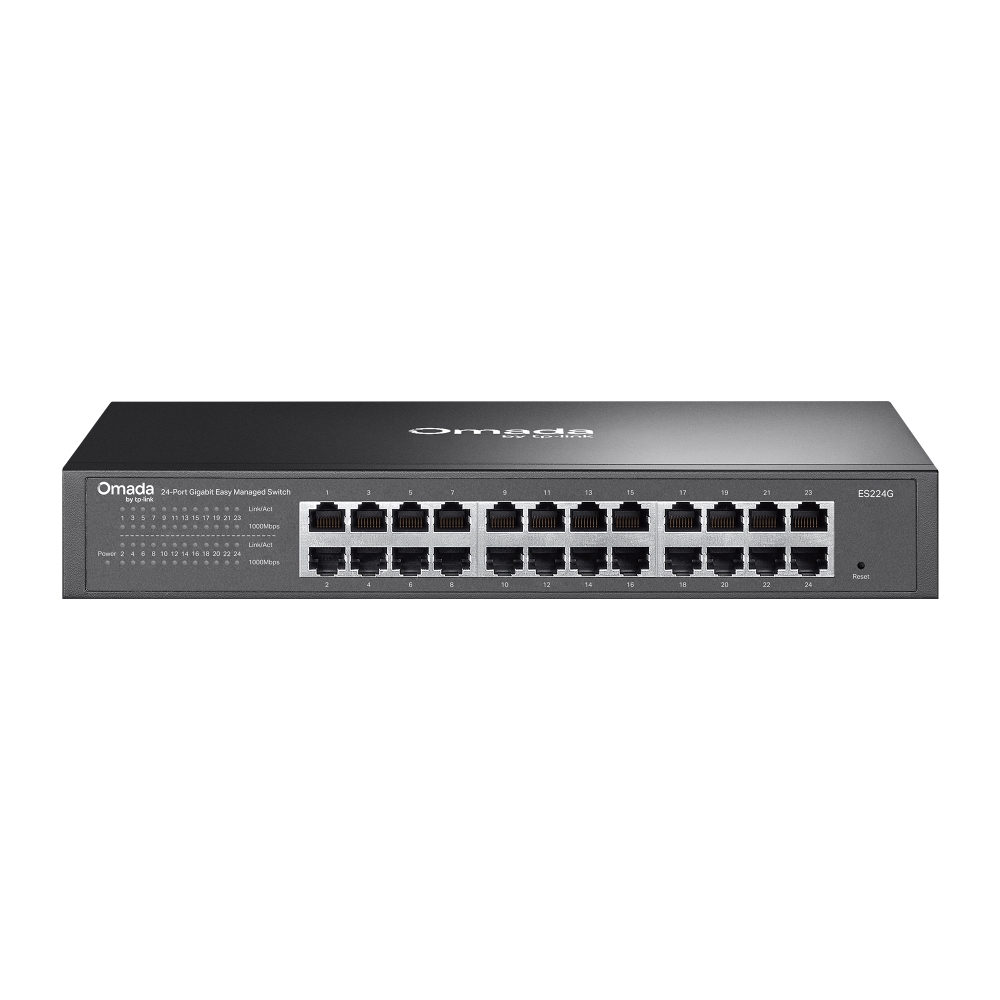
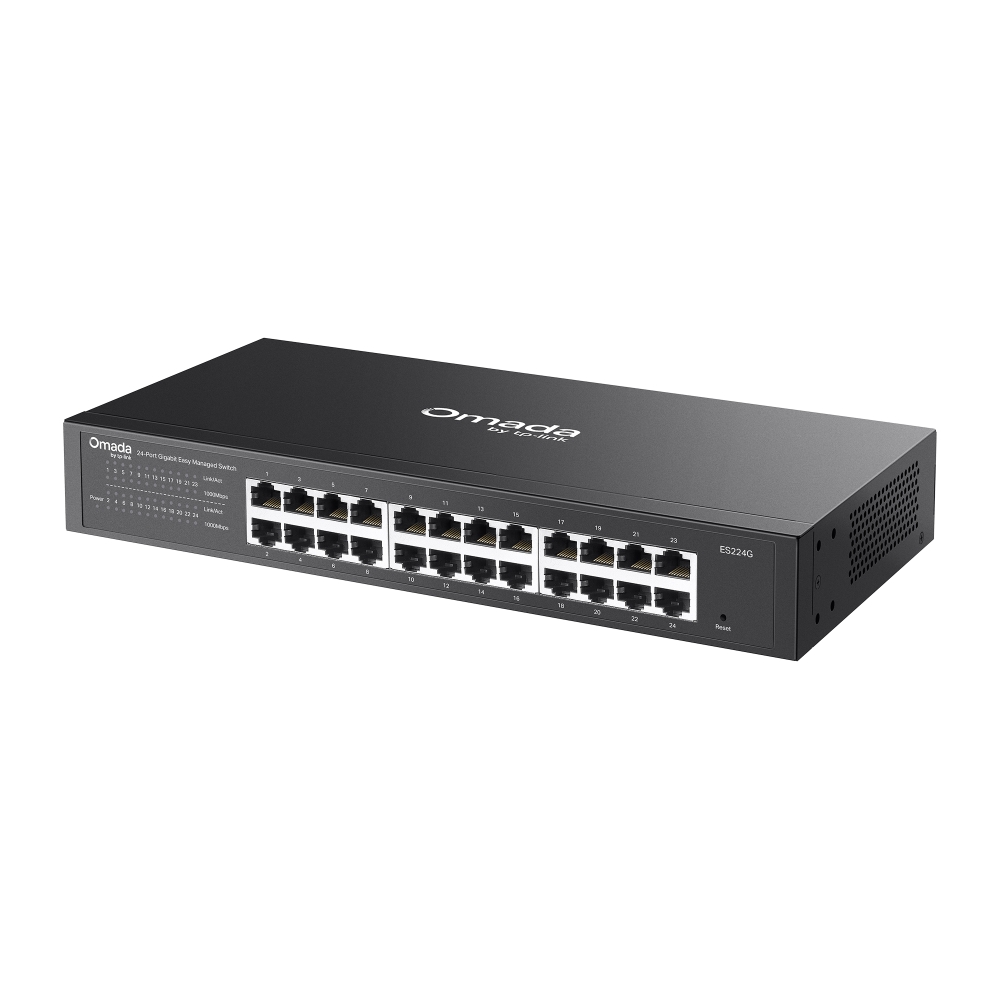
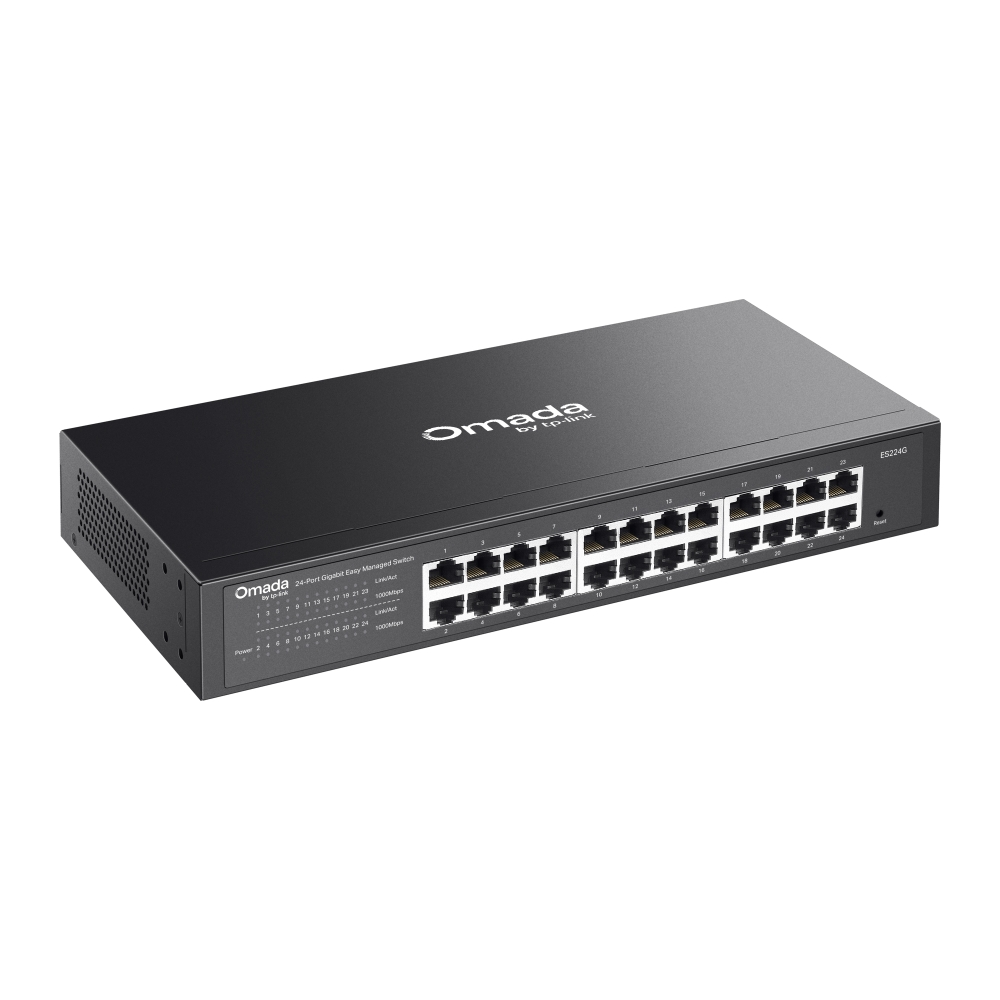
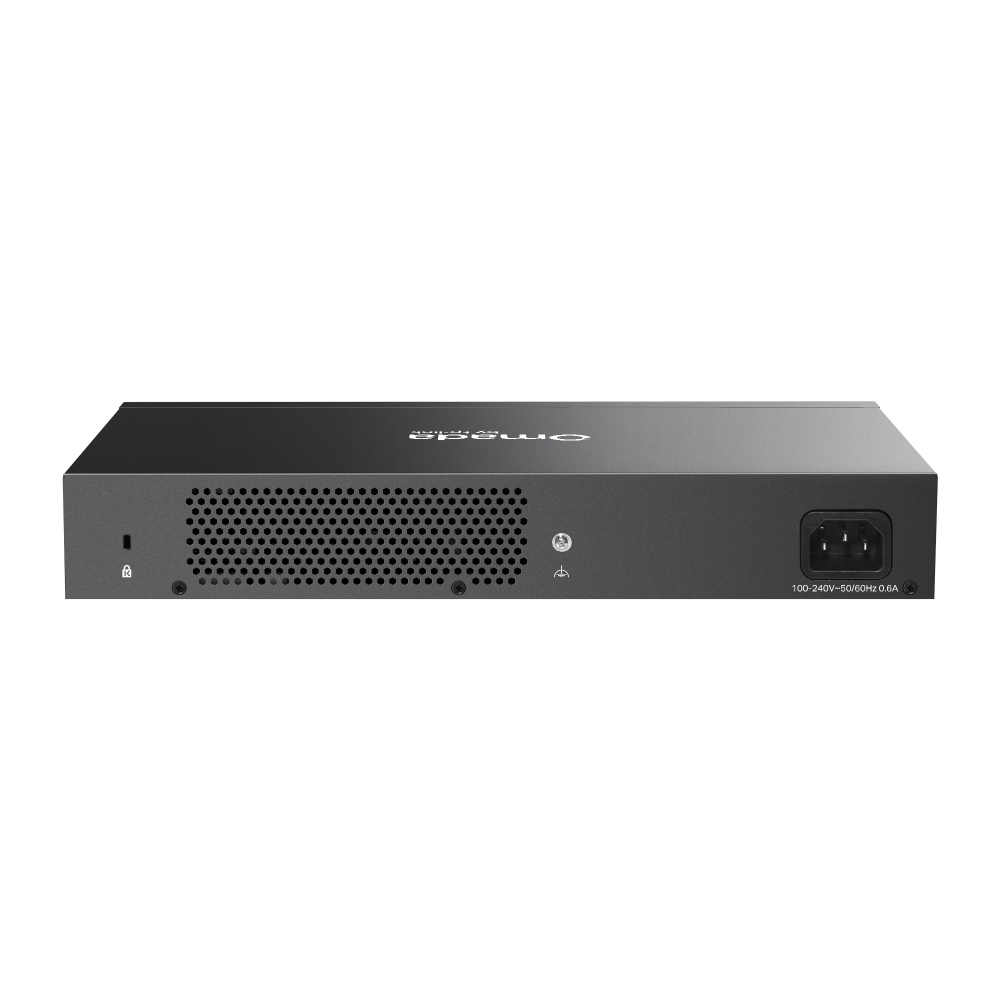
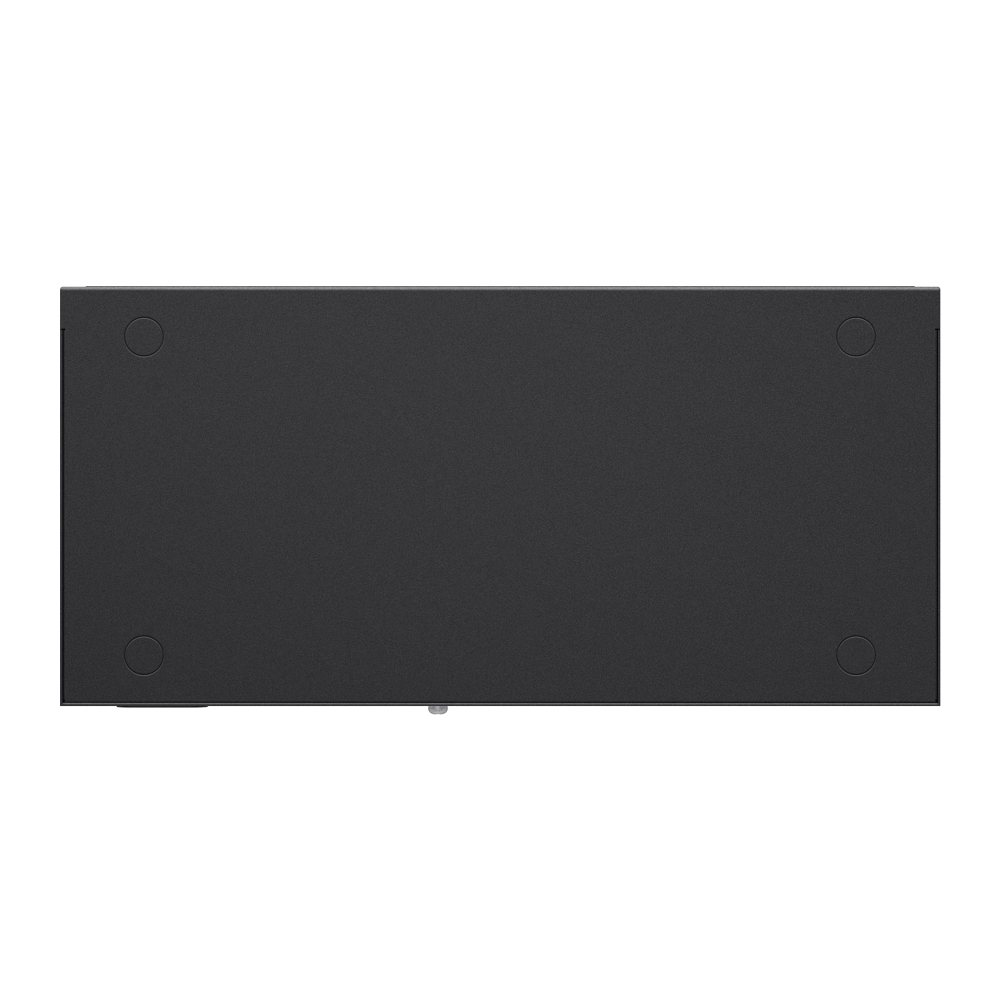
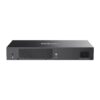

Omada Networks ES224G
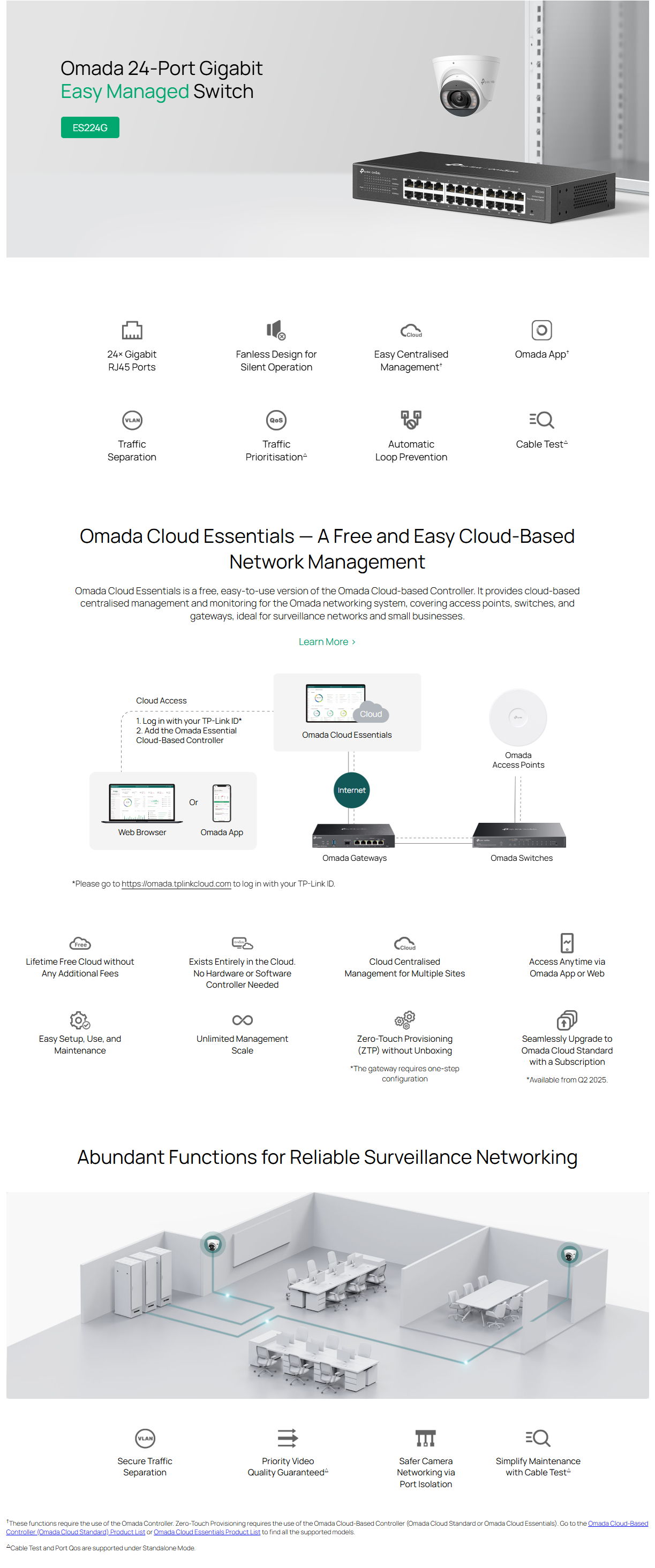
Omada Networks ES224G 24-Port Gigabit Ethernet Easy Managed Network Switch with 24 * GbE Ports – Centralized Cloud Management Via Web OR Omada App

Omada Networks ES224G 24-Port Gigabit Ethernet Easy Managed Network Switch with 24 * GbE Ports – Centralized Cloud Management Via Web OR Omada App
Key Features :-
- 24 * 10/100/1000Mbps RJ45 ports
- Easy to Use: Supports plug-and-play for instant connectivity and simple configuration for additional features
- Centralized Cloud Management via the web or the Omada app†
- VLAN, Port Isolation, Cable Test△, QoS△ for reliable surveillance networking
- Automatic Loop Prevention and IGMP Snooping
- Fanless design for silent operation
- Durable metal casing and desktop/wall mounting design
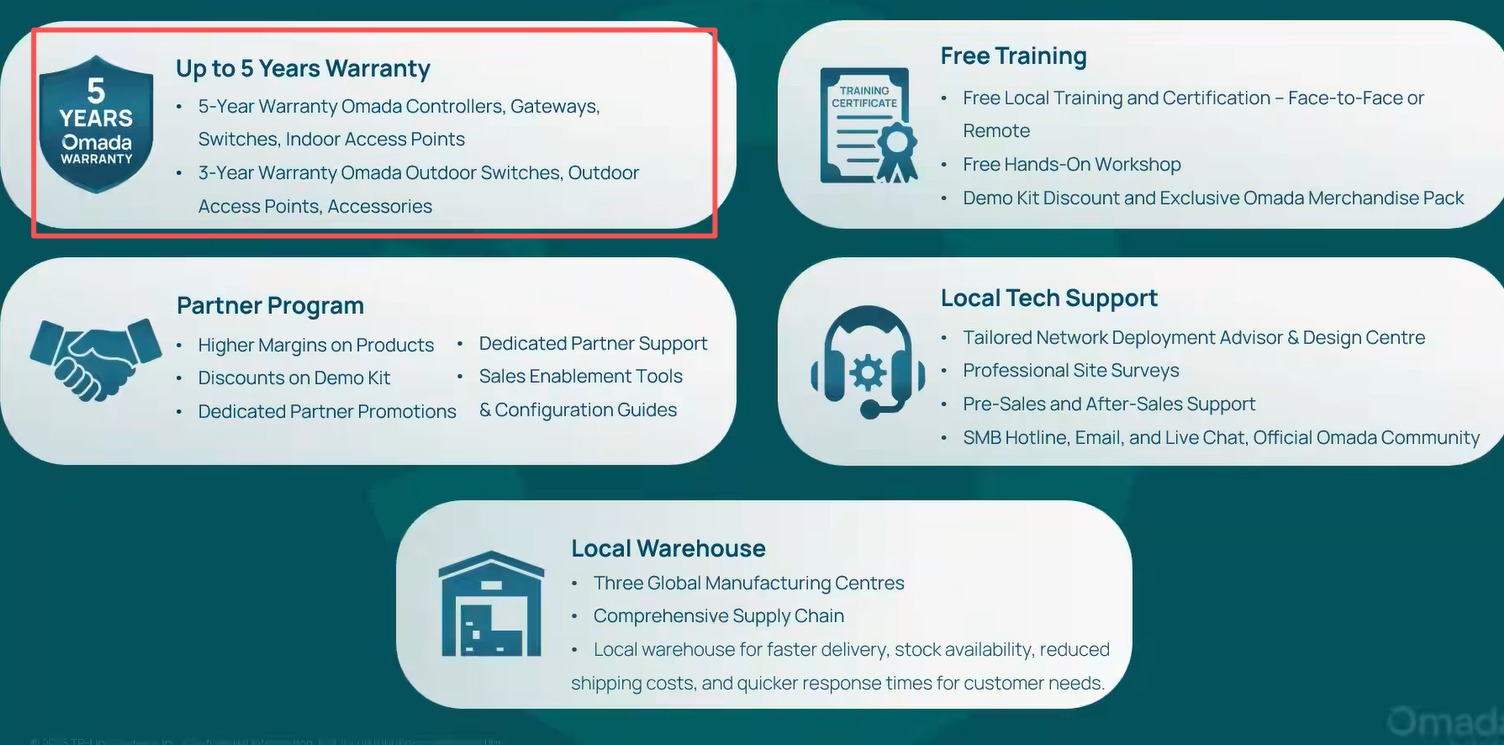
- 5 years limited b2b warranty

| HARDWARE FEATURES | |
|---|---|
| Interface | • 24× 10/100/1000 Mbps RJ45 Ports • Auto-Negotiation/Auto MDI/MDIX |
| Fan Quantity | Fanless |
| Installation | • Desktop • Rackmountable |
| Physical Security Lock | √ |
| Power Supply | 100-240 V~50/60 Hz |
| Weight | 1.26 kg (2.78 lbs) |
| Dimensions ( W x D x H ) | 11.6 × 5.5 × 1.7 in (294× 140 × 44 mm) |
| Surge Protection | ±6kV |
| PERFORMANCE | |
|---|---|
| Packet Buffer Memory | 4 Mbit |
| Jumbo Frame | 15 KB |
| Switching Capacity | 48 Gbps |
| Packet Forwarding Rate | 35.7 Mpps |
| MAC Address Table | 8K |
| SOFTWARE FEATURES | |
|---|---|
| Quality of Service | • Port-based/802.1p/DSCP QoS • 8 Priority Queues • Priority Schedule Mode – WRR (Weighted Round Robin) • Queue Weight Config • Bandwidth Control – Port-Based Rating Limit • Storm Control – Multiple Control Modes (kbps/pps) – Broadcast/Multicast/Unknown-Unicast Control△ |
| L2 Features | • Static Link Aggregation • Loop Prevention / Loopback Detection • Flow Control – 802.3x Flow Control • Mirroring – Port Mirroring – One-to-One – Many-to-One – Ingress/Egress/Both • Port Statistics – Port Mirror Status – Traffic Statistics • 802.1ab LLDP |
| L2 Multicast | • IGMP Snooping – IGMP v1/v2/v3 Snooping – Fast Leave |
| VLAN | • MTU VLAN • Port-Based VLAN • 802.1Q Tag VLAN – Max 32 VLAN Groups – 4K VID |
| Transmission Method | Store-And-Forward |
| Management Features | |
|---|---|
| Omada App | Yes. Requires the use of Omada Hardware Controller, Omada Cloud-Based Controller, or Omada Software Controller. |
| Centralized Management | • Omada Cloud-Based Controller • Omada Hardware Controller • Omada Software Controller |
| Cloud Access | Yes. Requires the use of Omada Hardware Controller, Omada Cloud-Based Controller, or Omada Software Controller. |
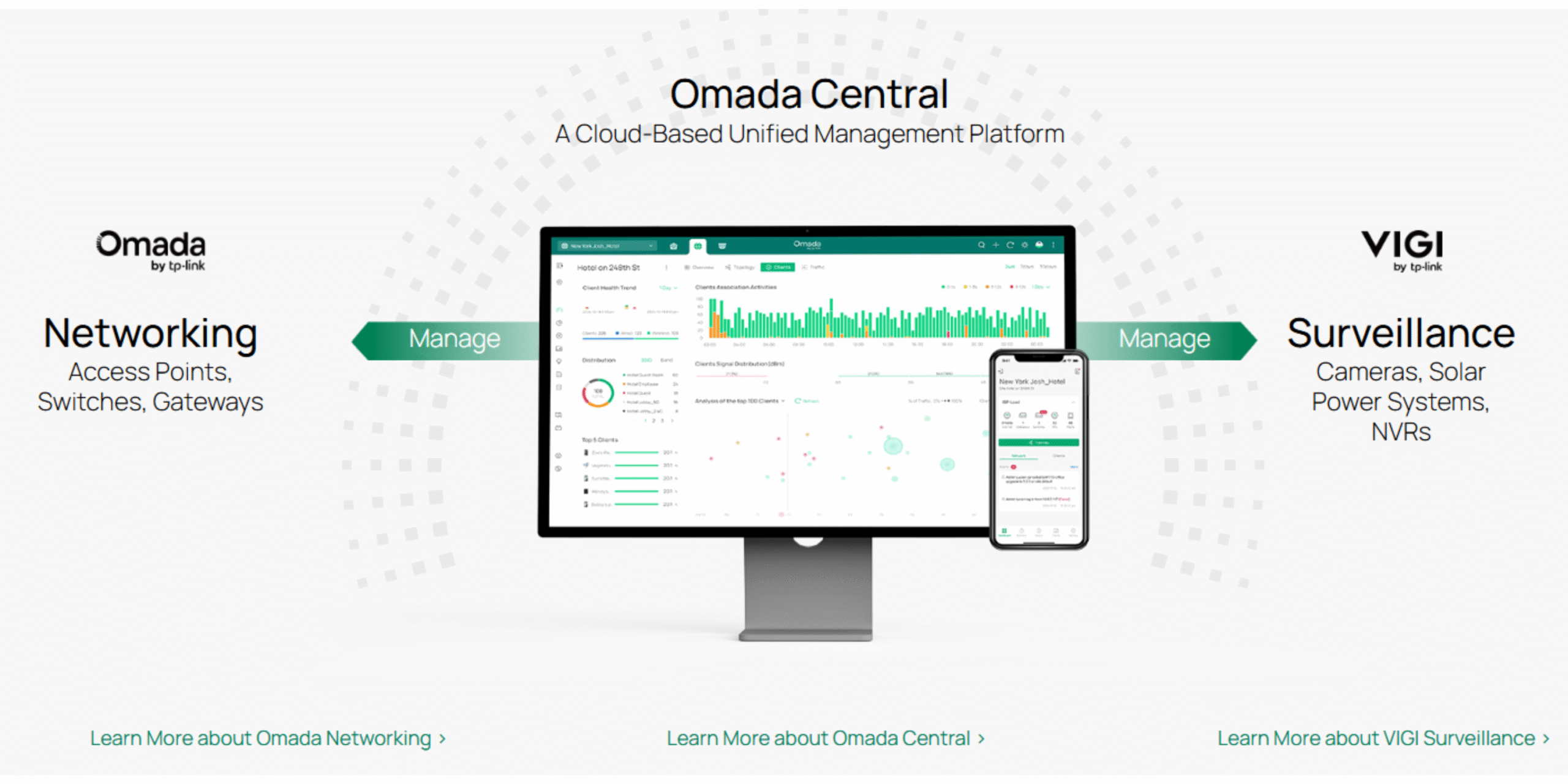
| Zero-Touch Provisioning | Yes. Requires the use of Omada Cloud-Based Controller |
| Management Features | • Web-based GUI • DHCP Client • Cable Diagnostics • Automatic Device Discovery† • Batch Configuration† • Batch Firmware Upgrading† • Unified Configuration† |
| OTHERS | |
|---|---|
| Certification | FCC, CE, RoHS |
| Package Content | • ES224G • Power Cord • Rubber Feet • Mounting Brackets • Screws • Installation Guide |
| Environment | • Operating Temperature: -5℃~50℃ (23℉~122℉) • Storage Temperature: -40℃~70℃ (-40℉~158℉) • Operating Humidity: 10%~90% non-condensing • Storage Humidity: 5%~90% non-condensing |
TP-Link Omada Support Articles
Key Reasons to Choose Omada Networks
1. Centralized Management
Omada’s Software Defined Networking (SDN) platform allows you to manage routers, switches, and wireless access points from a single dashboard instead of configuring each device separately.
2. Cloud-Based Monitoring
You can remotely monitor and manage customer sites from anywhere using the Omada cloud platform and mobile app, making it ideal for MSPs and IT providers.
3. No Ongoing License Fees
Unlike some enterprise networking brands, Omada offers cloud management without recurring per-device licensing costs, reducing long-term ownership expenses.
4. Easy Multi-Site Deployment
Zero-touch provisioning allows devices to be shipped directly to a site and automatically configured when connected to the internet. This is particularly useful for chain stores, schools, and distributed businesses.
5. Complete Ecosystem
Omada offers:
- Security gateways/routers
- Managed PoE switches
- Indoor Wi-Fi access points
- Outdoor Wi-Fi access points
- Hardware controllers
- Software controllers
All devices integrate into a single management platform.
6. Strong Wi-Fi Performance
Modern Omada access points support:
- Wi-Fi 6
- Wi-Fi 6E
- Wi-Fi 7
- Seamless roaming
- Mesh networking
- High-density client environments
This makes them suitable for offices, schools, hotels, and apartment complexes.
7. Advanced Business Features
Omada supports:
- VLANs
- Guest networks
- VPNs
- Access Control Lists (ACLs)
- 802.1X authentication
- Traffic monitoring
- QoS
- Network segmentation
These features are important for cybersecurity and network performance.
8. Excellent Value for Money
Many installers compare Omada with:
- Ubiquiti
- Grandstream
- Cisco
- Aruba
Omada generally provides similar core SMB functionality at a lower hardware cost.
For Security & IT Professionals
Since you work with surveillance and IT systems, Omada is particularly attractive because:
- PoE switches can power IP cameras, access-control devices, intercoms, and APs.
- VLANs can isolate CCTV traffic from office networks.
- Remote management reduces support visits.
- Multi-site monitoring simplifies customer support.
- High-power PoE models support modern PTZ cameras and Wi-Fi bridges.
For many New Zealand installers, Omada is often the best balance of cost, features, and manageability, especially when compared with higher-priced enterprise networking brands.
TP-Link | Omada Introduction | Omada Business Networking Solutions
TP-Link Omada Business Solutions
Omada Design Hub Network Planning Tool — Free, Easy, and Intelligent