
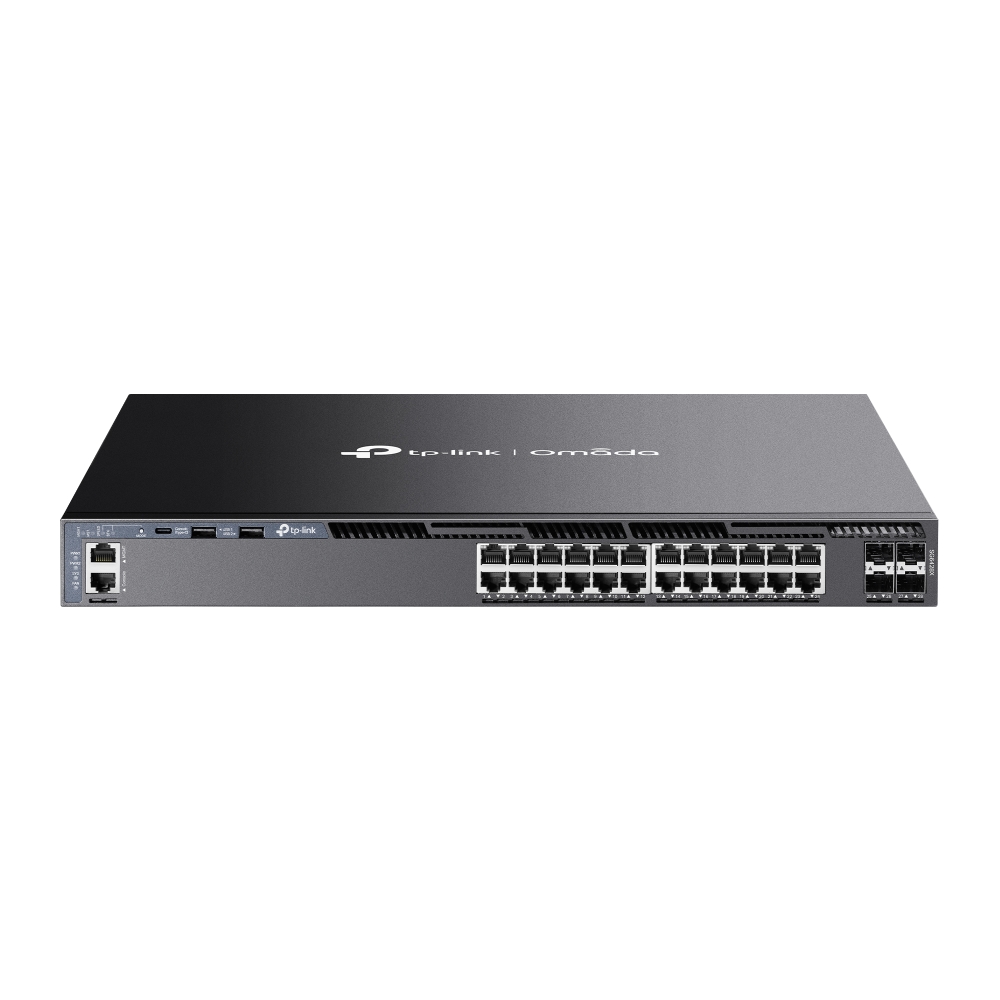
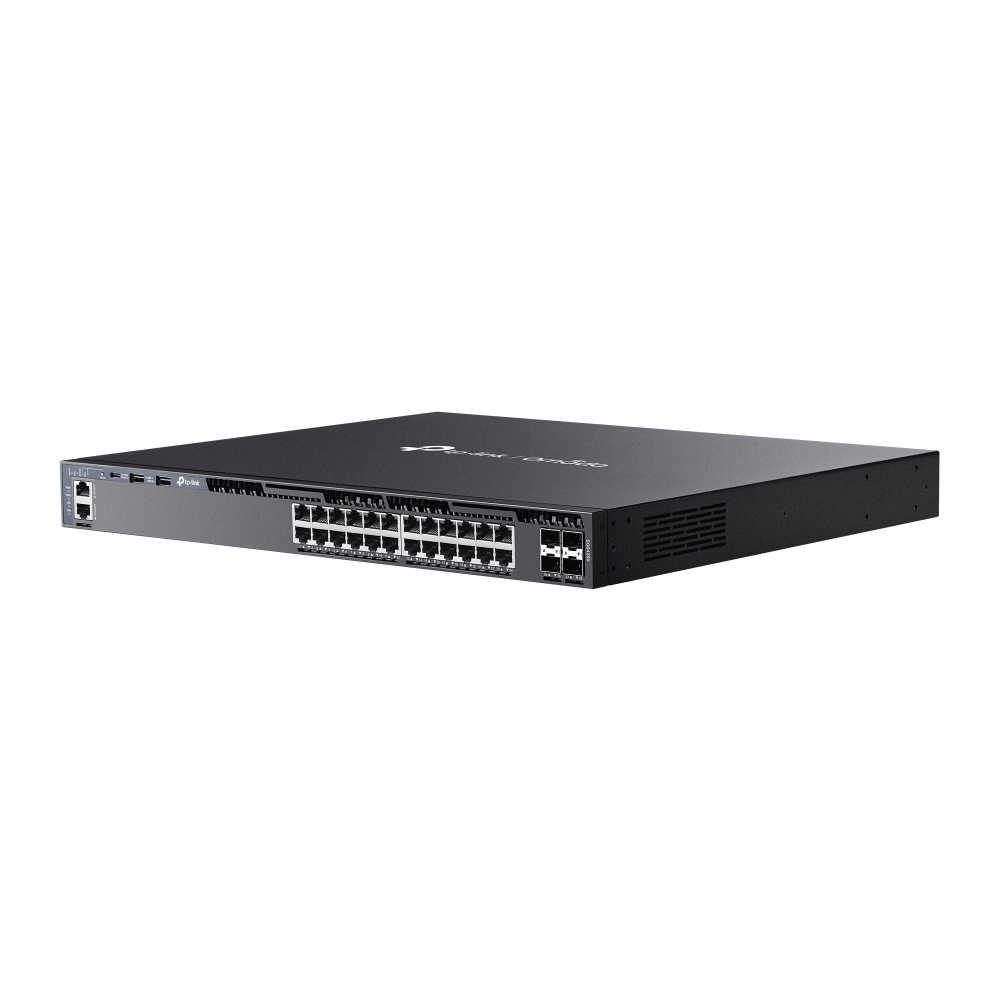
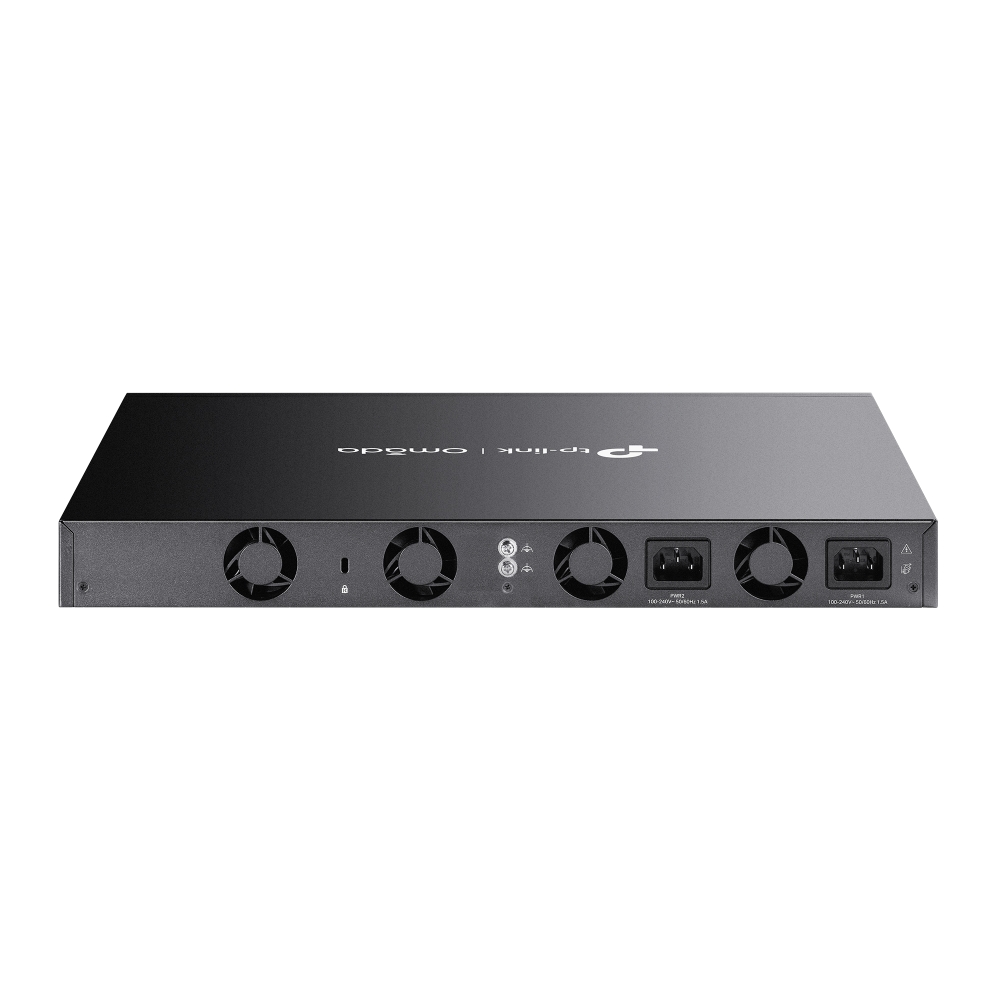
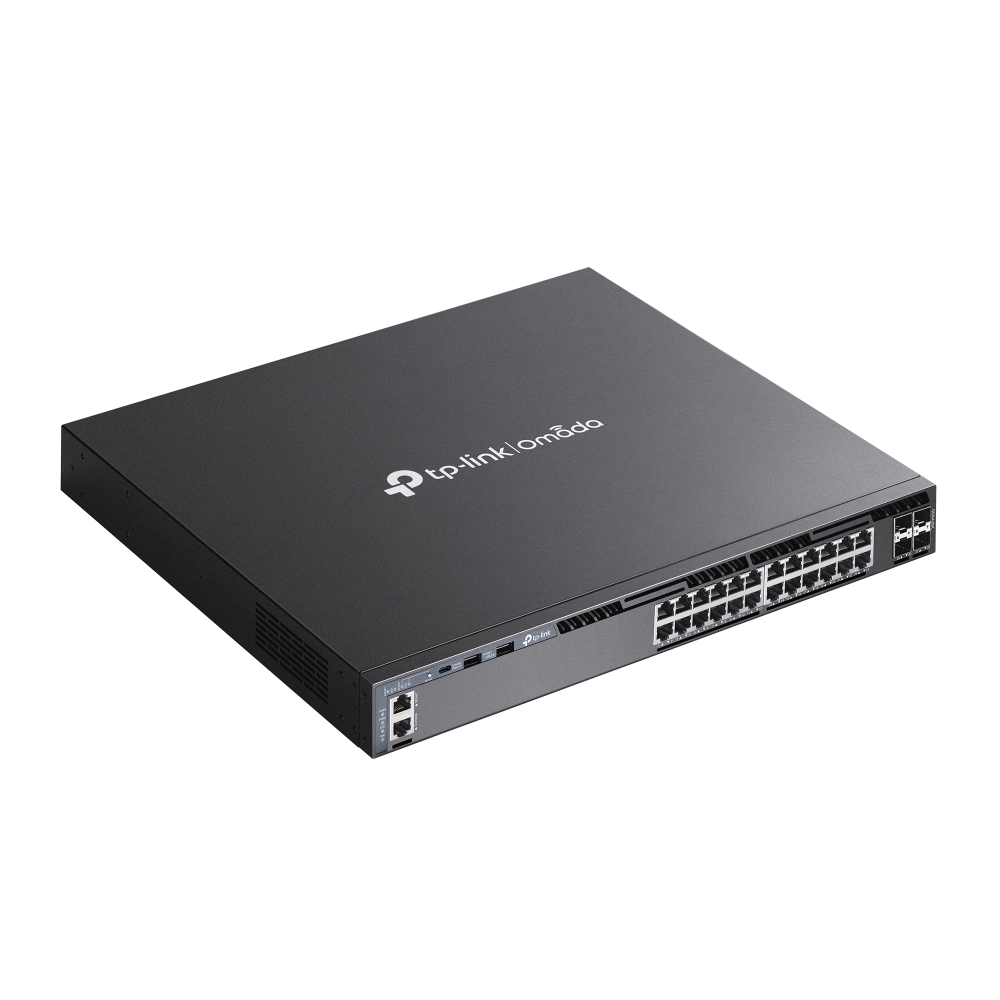
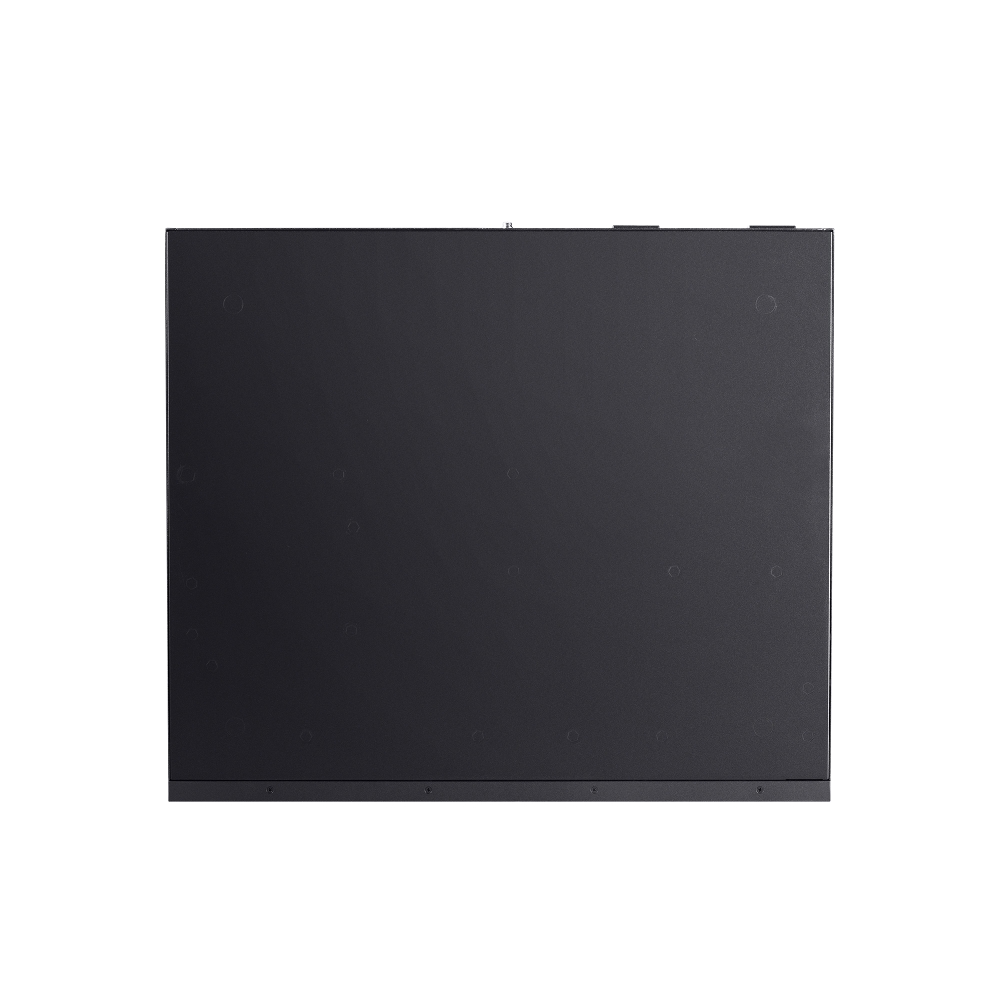
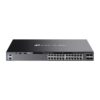
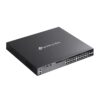
Omada Networks SG6428X
Omada Networks SG6428X 24-Port Gigabit Stackable L3 Managed Switch with 4* 10G SFP Slots – Centralized Management – Omada App

Omada Networks SG6428X 24-Port Gigabit Stackable L3 Managed Switch with 4* 10G SFP Slots – Centralized Management – Omada App
Key Features :-
- 24* Gigabit RJ45 ports and 4* 10 Gbps SFP+ slots
- 128 Gbps switching capacity per unit
- Physical stacking for built-in redundancy and performance
- L3 features: RIP, OSPF, ECMP, VRRP, PIM-DM, DHCP Server/Relay
- Security Strategies: ACL, Port Security, DoS Defend, 802.1X
- Highly Available with two internal fixed power supplies, VRRP, and ERPS
- Centralized cloud management via the Omada SDN controller
- Standalone management via web, CLI, SNMP, and RMON
- 5 years limited b2b warranty
- Omada PoE Technology

| HARDWARE FEATURES | |
|---|---|
| Interface | • 24× 10/100/1000 Mbps RJ45 Ports • 4× 10G SFP+ Slots • 2× USB 2.0 Ports • 1× RJ45 Console Port • 1× USB Type-C Console Port • 1× RJ45 Management Port |
| Fan Quantity | Four Internal Fixed Fans |
| Power Supply | Two Internal Fixed Power Supply Modules (100–240 VAC, 50/60 Hz) |
| Dimensions ( W x D x H ) | 17.3 × 15.0 × 1.7 in (440 × 380 × 44 mm) |
| Mounting | Rackmountable |
| Max. Power Consumption | 28.4 W (220 V/50 Hz) |
| Max. Heat Dissipation | 96.91 BTU/hr (220 V/50 Hz) |
| PERFORMANCE | |
|---|---|
| Switching Capacity | 128 Gbps per Unit |
| Stacking | • Stacking Number: 8 in standalone mode, 4 in Omada controller mode • Stacking Port: 10G SFP+ Slot (all uplink ports can be used as stacking ports) • Stack Bandwidth: 20 Gbps Per Port (Full-Duplex) |
| Packet Forwarding Rate | 95.2 Mpps |
| MAC Address Table | 32 K |
| Packet Buffer Memory | 3 MB |
| Jumbo Frame | 9 KB |
| SOFTWARE FEATURES | |
|---|---|
| Quality of Service | • Class of Service – 8 Queues of Priority – Port Priority – IEEE 802.1p Priority – DSCP Priority – Queue Min-Bandwidth – Schedule Mode (SP, WRR, SP+WRR) • Bandwidth Control – Rate Limit – Storm Control • Voice VLAN • User-Defined OUI • Smoother Performance • Action for Flows – QoS remark (802.1P Remark, DSCP Remark) |
| L3 Features | • IP Interfaces: – IPv4: Max 256, IPv6: Max 256 • Static Routing – Max 1,024, IPv6: Max 512 • Host Route Table: Max 6,100 entries • RIP: Version v1/v2, Max 8,190 • OSPF: Version v2/v3; v2: Max 8,190, v3: Max 4,097 • VRRP: Version v2/v3, Max 64 groups • ECMP: 256 entries, max 32 ECMP Nexthops per Destination • Static ARP: 512 static entries • Dynamic ARP: 7,680 dynamic entries • Proxy ARP • DHCP Server: – Max 8K IP Pools – Max 1,000 Manual Binding Entries • DHCP Relay: – Relayed Interface – Relayed VLAN |
| L2 and L2+ Features | • Link Aggregation • Spanning Tree Protocol • Port-based and VLAN-based Loopback Detection • 802.3x Flow Control • Supports 2,048 IGMP groups • ERPS • Mirroring • RSPAN • MAC Address Table • PIM-DM (IPv4) • Multicast – IGMP Snooping – MLD Snooping – L2 Multicast Table – Fast Leave – Multicast VLAN Registration (MVR) – Static Multicast IP – Multicast Filtering |
| Advanced Features | • Automatic Device Discovery† • Batch Configuration† • Batch Firmware Upgrading† • Intelligent Network Monitoring† • Abnormal Event Warnings† • Unified Configuration† • Reboot Schedule†ISP Features: • 802.3ah Ethernet Link OAM • L2PT (Layer 2 Protocol Tunneling) • Device Link Detect Protocol (DLDP) • DDM • sFlow |
| VLAN | • Max 4K VLAN Group (802.1q VLAN) • 802.1Q Tagged VLAN • MAC VLAN Entries: 200 • Multicast VLAN • Management VLAN • VLAN VPN (QinQ): Max 256 entries • GVRP • Protocol VLAN: Protocol Template 16, Protocol VLAN 12 entries • VLAN VPN • Voice VLAN • Private VLAN |
| Security | • Port Isolation • CPU-Defend • ARP Inspection (Dynamic ARP Inspection) • DoS Defend • IP-MAC-Port Binding -1,024 Entries – DHCP Snooping – ARP Inspection – IPv4 Source Guard • IPv6-MAC -Port Binding -1,024 Entries – DHCPv6 Snooping – ND Detection – ND Snooping – IPv6 Source Guard • DHCP Filter • Static/Dynamic Port Security – Up to 64 MAC addresses per port • Broadcast/Multicast/Unknown-unicast Storm Control – kbps/ratio control mode • 802.1X – Port base authentication – Mac base authentication – VLAN Assignment – MAB – Guest VLAN – RADIUS authentication and accountability support • AAA (including TACACS+) • Secure web management through HTTPS with SSLv3/TLS 1.2 • Secure Command Line Interface (CLI) management with SSHv2 • IP/Port/MAC-based access control |
| Management Features | |
|---|---|
| Omada App | Yes. Requiring the use of the Omada Hardware Controller, Omada Cloud-Based Controller, or Omada Software Controller. |
| Centralized Management | • Omada Cloud-Based Controller • Omada Hardware Controller • Omada Software Controller |
| Cloud Access | Yes. Requiring the use of the Omada Hardware Controller, Omada Cloud-Based Controller, or Omada Software Controller. |
| Zero-Touch Provisioning | Yes. Requiring the use of the Omada Cloud-Based Controller. |
| Management Features | • Web-based GUI • Command Line Interface (CLI) through console port, telnet • SNMPv1/v2c/v3 – Trap/Inform – RMON (1, 2, 3, 9 groups) • SDM Template • DHCP/BOOTP Client • 802.1ab LLDP/LLDP-MED • DHCP Auto Install • Dual Image, Dual Configuration • CPU Monitoring • Cable Diagnostics • Password Recovery • SNTP • System Log • EEE |
| OTHERS | |
|---|---|
| Package Content | • SG6428X Switch • 2× Power Cords • RJ45 Console Cable • Quick Installation Guide • Rackmount Kit • Rubber Feet |
| System Requirements | Microsoft® Windows® 98SE, NT, 2000, XP, Vista™ or Windows 7/8/10/11, MAC® OS, NetWare®, UNIX® or Linux. |
| Environment | • Operating Temperature: 0–45 ℃ (32–113 ℉); • Storage Temperature: -40–70 ℃ (-40–158 ℉) • Operating Humidity: 10–90% RH non-condensing • Storage Humidity: 5–90% RH non-condensing |
TP-Link Omada Support Articles
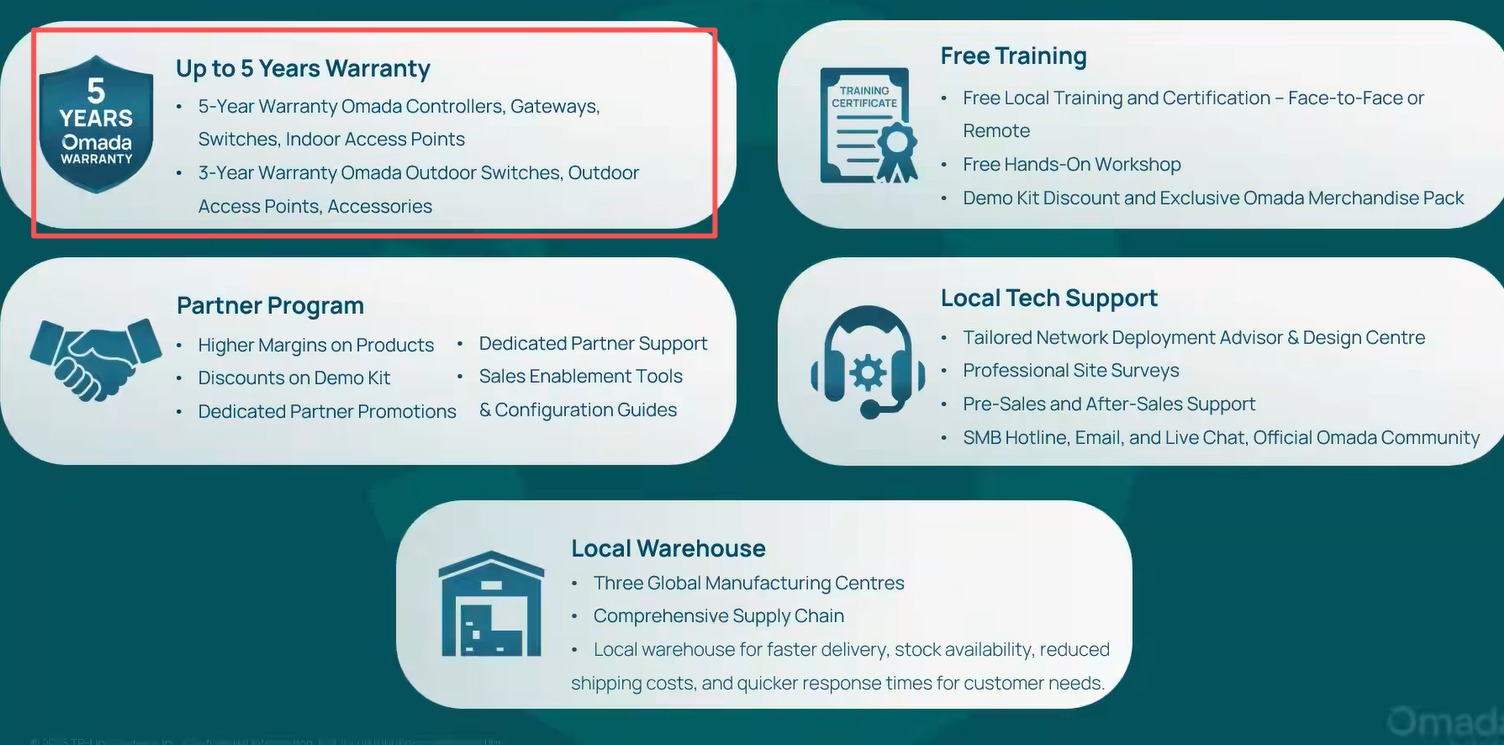
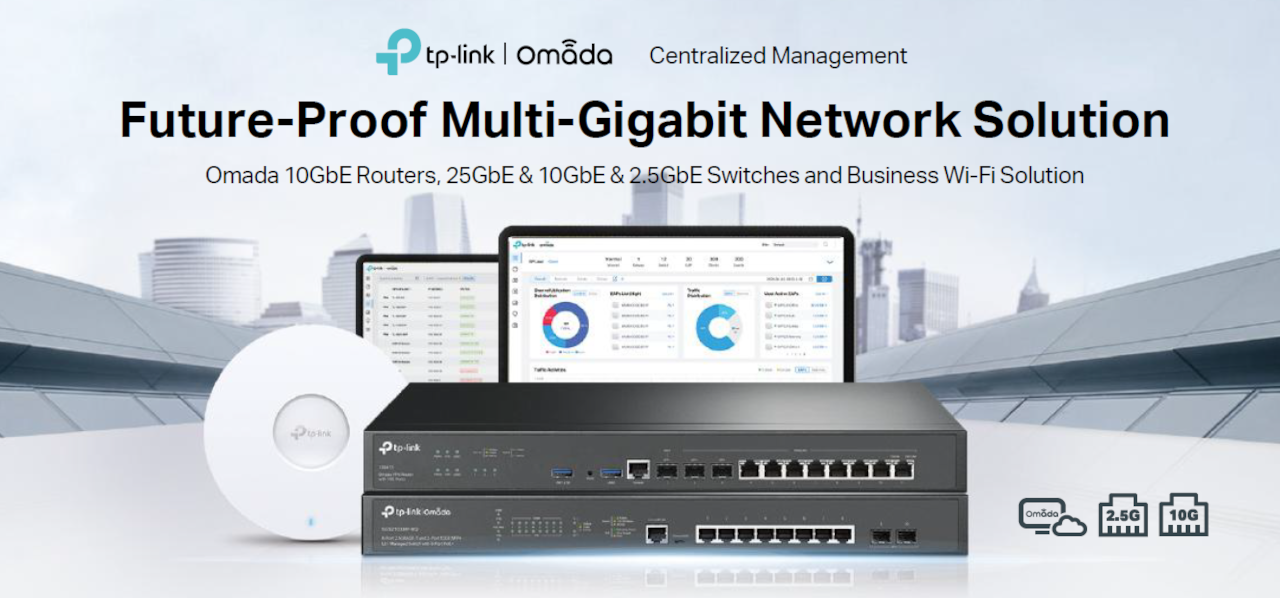
Key Reasons to Choose Omada Networks
1. Centralized Management
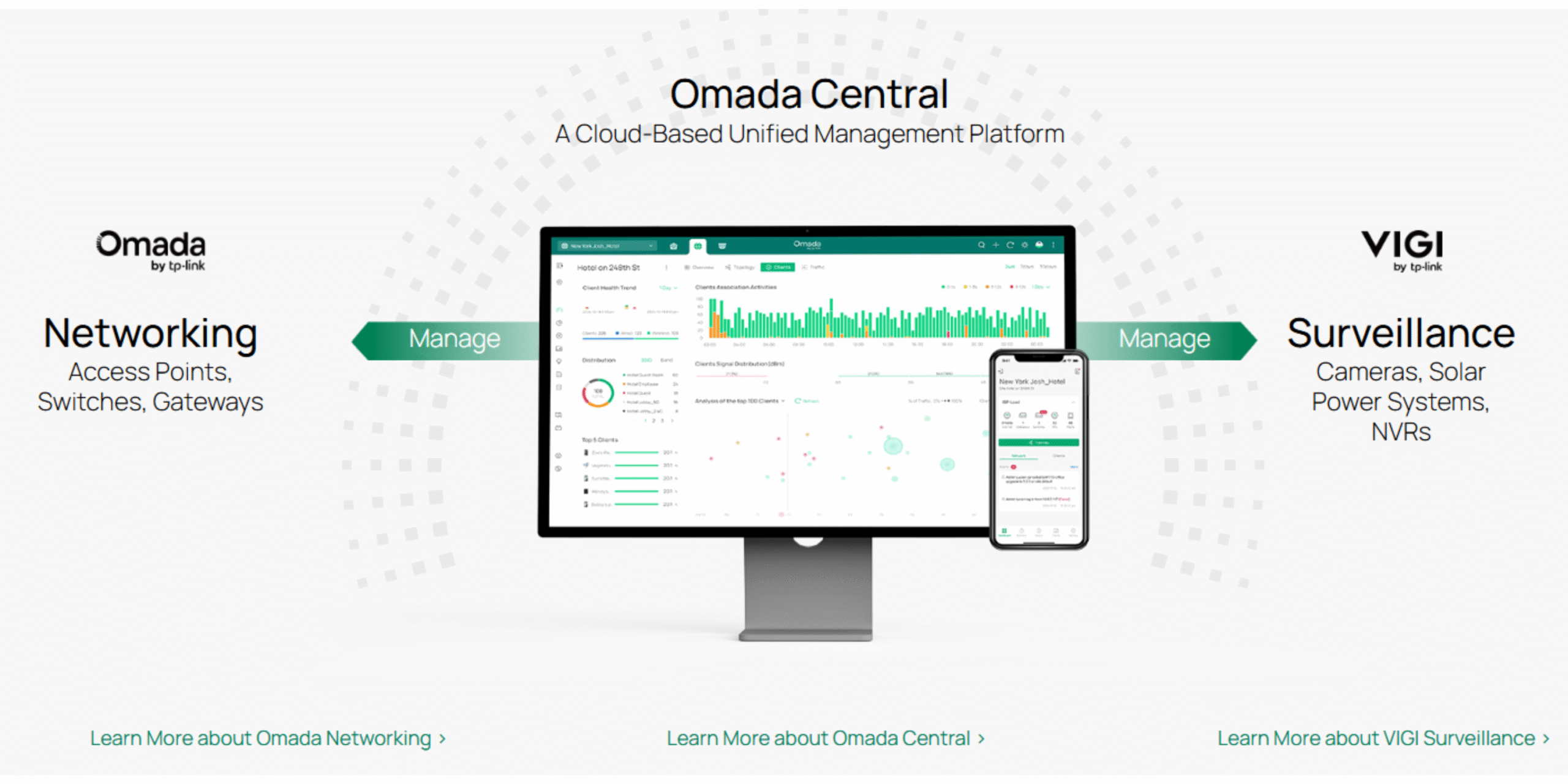
Omada’s Software Defined Networking (SDN) platform allows you to manage routers, switches, and wireless access points from a single dashboard instead of configuring each device separately.
2. Cloud-Based Monitoring
You can remotely monitor and manage customer sites from anywhere using the Omada cloud platform and mobile app, making it ideal for MSPs and IT providers.
3. No Ongoing License Fees
Unlike some enterprise networking brands, Omada offers cloud management without recurring per-device licensing costs, reducing long-term ownership expenses.
4. Easy Multi-Site Deployment
Zero-touch provisioning allows devices to be shipped directly to a site and automatically configured when connected to the internet. This is particularly useful for chain stores, schools, and distributed businesses.
5. Complete Ecosystem
Omada offers:
- Security gateways/routers
- Managed PoE switches
- Indoor Wi-Fi access points
- Outdoor Wi-Fi access points
- Hardware controllers
- Software controllers
All devices integrate into a single management platform.
6. Strong Wi-Fi Performance
Modern Omada access points support:
- Wi-Fi 6
- Wi-Fi 6E
- Wi-Fi 7
- Seamless roaming
- Mesh networking
- High-density client environments
This makes them suitable for offices, schools, hotels, and apartment complexes.
7. Advanced Business Features
Omada supports:
- VLANs
- Guest networks
- VPNs
- Access Control Lists (ACLs)
- 802.1X authentication
- Traffic monitoring
- QoS
- Network segmentation
These features are important for cybersecurity and network performance.
8. Excellent Value for Money
Many installers compare Omada with:
- Ubiquiti
- Grandstream
- Cisco
- Aruba
Omada generally provides similar core SMB functionality at a lower hardware cost.
For Security & IT Professionals
Since you work with surveillance and IT systems, Omada is particularly attractive because:
- PoE switches can power IP cameras, access-control devices, intercoms, and APs.
- VLANs can isolate CCTV traffic from office networks.
- Remote management reduces support visits.
- Multi-site monitoring simplifies customer support.
- High-power PoE models support modern PTZ cameras and Wi-Fi bridges.
For many New Zealand installers, Omada is often the best balance of cost, features, and manageability, especially when compared with higher-priced enterprise networking brands.
TP-Link | Omada Introduction | Omada Business Networking Solutions
TP-Link Omada Business Solutions
Omada Design Hub Network Planning Tool — Free, Easy, and Intelligent