
An LED display controller acts as the central brain of a screen. It receives standard video signals (like HDMI or SDI) from a computer or media player, decodes them, and slices the image data to route exact color and brightness instructions to every individual LED pixel on the wall.
The operation generally follows this 4-step process:
- Signal Input: The controller takes a standard input (e.g., HDMI, DVI, or DisplayPort) from an external video source.
- Processing & Mapping: It scales the video to fit the screen’s exact resolution and aspect ratio, then maps the image so that every portion of the video reaches the corresponding pixel on the screen.
- Data Transmission: The main controller (sending card) transmits this mapped data via Ethernet or fibre optic cables to the secondary receivers (receiving cards) located inside the LED panels.
- Pixel Control: The receiving cards send RGB data to the driver ICs, which rapidly switch the red, green, and blue micro-LEDs on and off (using Pulse Width Modulation) to create millions of colours and smooth, continuous video.
Depending on your hardware, controllers usually fall into two main categories:
- Synchronous Controllers: Require a continuous connection to a computer or media player to stream live events and real-time broadcasts with zero noticeable latency.
- Asynchronous Controllers: Have built-in storage (like SD cards) or Wi-Fi connectivity. They are mostly used for digital signage where content is uploaded once and loops automatically.
Use a Synchronous LED Controller for:
- Live Events: Concerts, sports stadiums, and conferences that require zero-latency live camera feeds or real-time scoring.
- Broadcasts: Television studios or virtual production environments where visuals need to be controlled in real-time from a media server.
- Complex Visuals: Situations where content is synced exactly to live music, timecode, or lighting cues.
Use an Asynchronous LED Controller for:
- Outdoor Advertising: Digital billboards or highway signs where content (like static ads or looping promos) is updated periodically.
- Standalone Signage: Storefront displays, airport information boards, and mall menu boards that rely on scheduled looping.
- Hard-to-Reach Locations: Signs mounted on poles, rooftops, or highways where running a continuous video cable or keeping a PC running nearby isn’t practical.
-
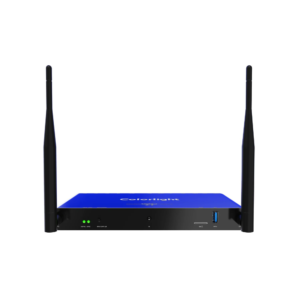 Digital Signage
Colorlight A200
Read moreColorlight A200 LED Controller – LED Multimedia Player – Cloud Supported – Supports Synchronous & Asynchronous Modes

-
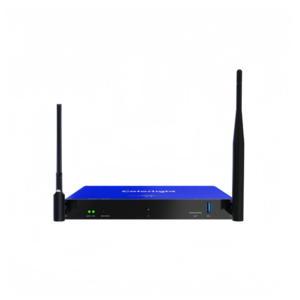 Digital Signage
Colorlight A100
Read moreColorlight A100 LED Controller – LED Multimedia Player – Cloud Supported – Supports Synchronous & Asynchronous Modes
-
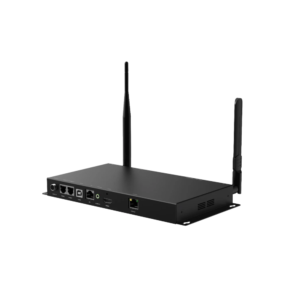 Digital Signage
Colorlight A40
Read moreColorlight A40 LED Controller – LED Multimedia Player – Cloud Supported – Supports Synchronous & Asynchronous Modes
-
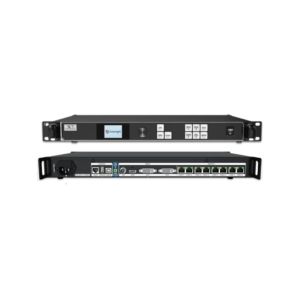 Digital Signage
Colorlight X7
Read moreColorlight X7 2-in-1 Video Processor and LED Controller – Synchronous Mode
-
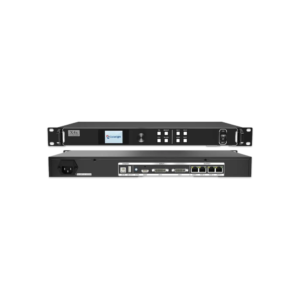 Digital Signage
Colorlight X4S
Read moreColorlight X4s 2-in-1 Video Processor and LED Controller – Synchronous Mode