

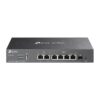
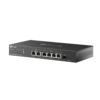
Omada Networks ER707-M2
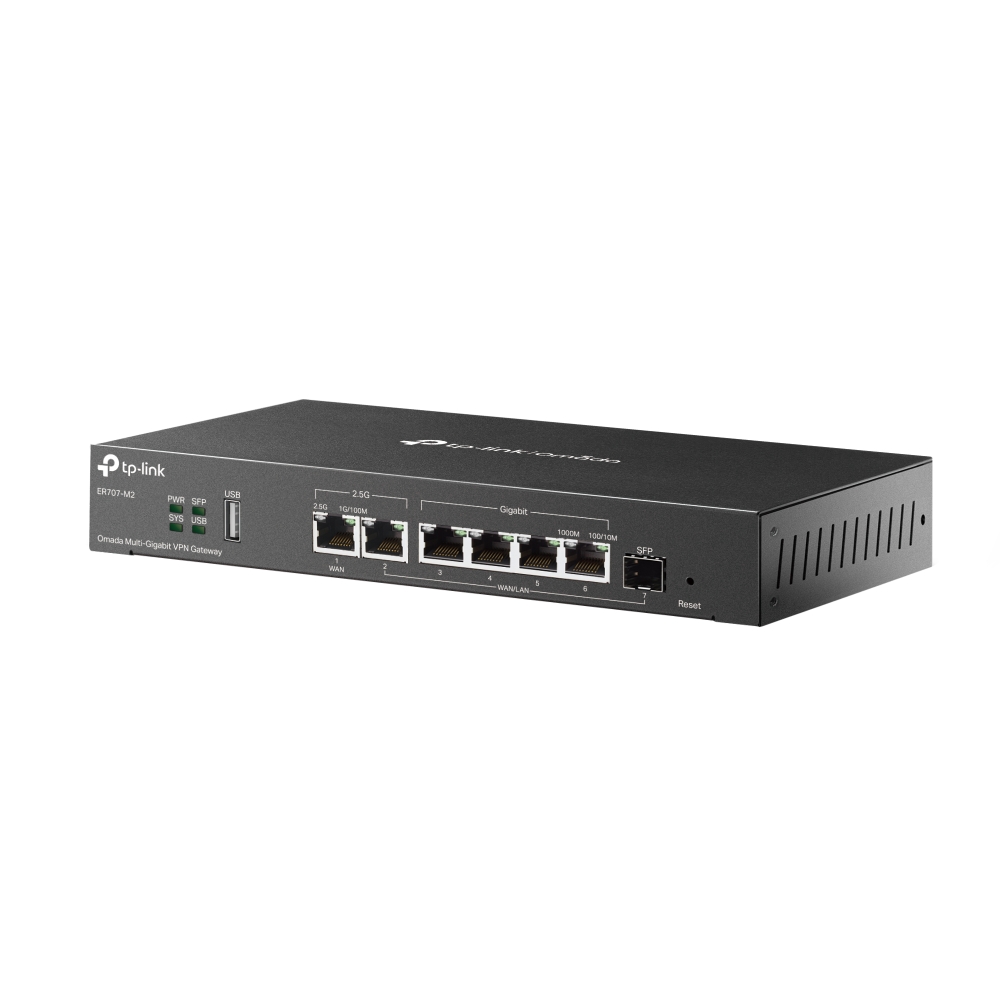
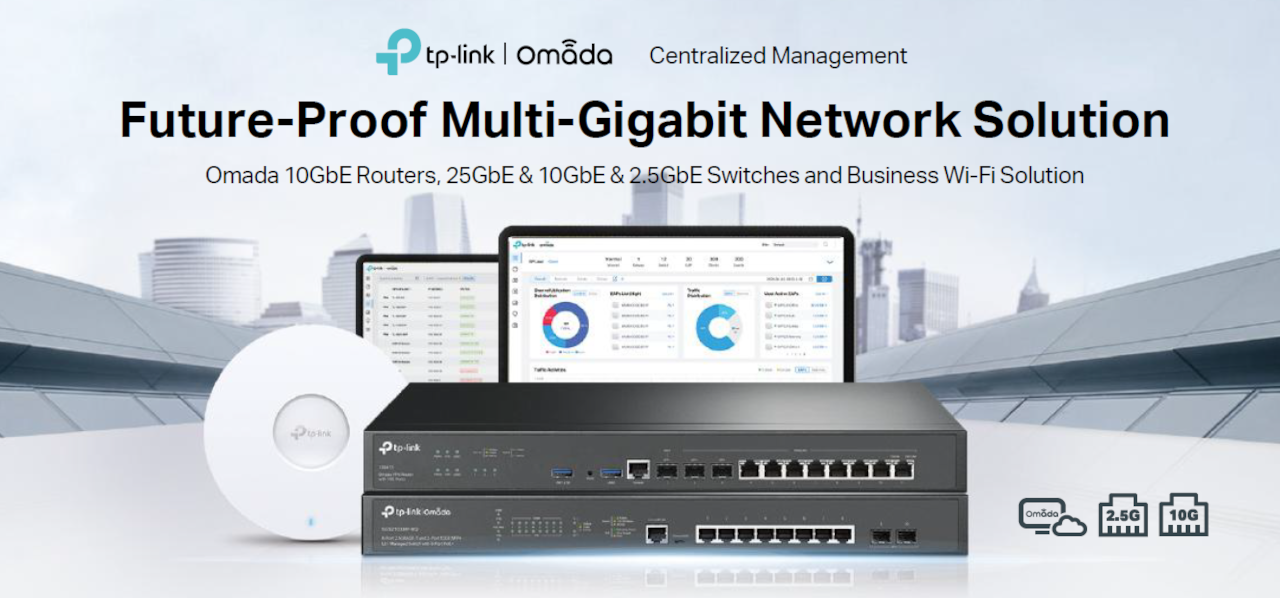
Omada Networks ER707-M2 Multi-Gigabit Rackmount VPN Gateway / Router – 2 * 2.5Gigabit RJ45 Ports (1* WAN + 1* WAN/LAN) + 5 * Gigabit WAN/LAN Ports (1* SFP + 4* RJ45)

Omada Networks ER707-M2 Multi-Gigabit Rackmount VPN Gateway / Router – 2 * 2.5Gigabit RJ45 Ports (1* WAN + 1* WAN/LAN) + 5 * Gigabit WAN/LAN Ports (1* SFP + 4* RJ45)
Key Features :-
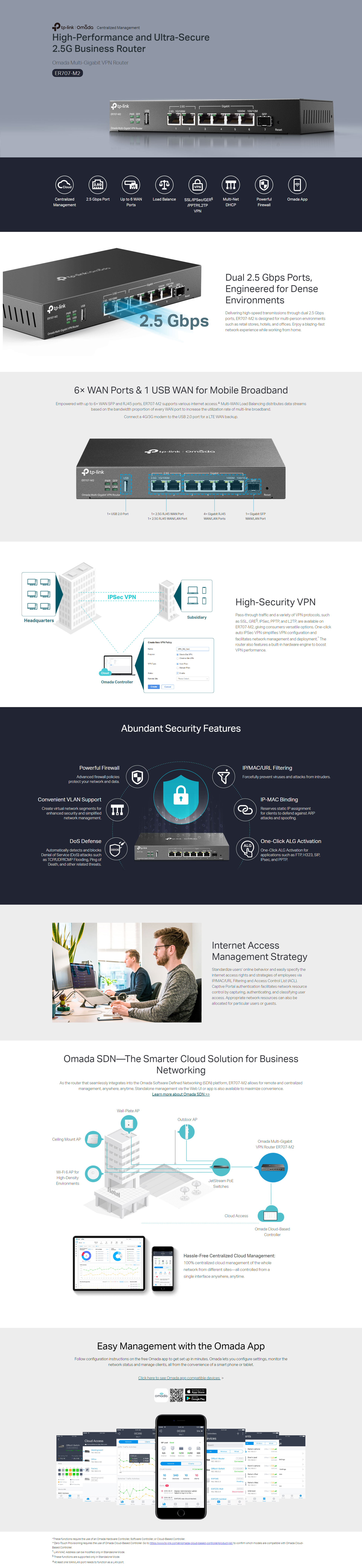
- 2× 2.5 Gbps RJ45 ports (1× WAN, 1× WAN/LAN)
- 5× Gigabit WAN/LAN ports (1× SFP, 4× RJ45)
- Load Balancing on up to 6 WAN ports‡ increases the utilization rate of multi-line broadband
- 1× USB port (Supports USB storage, and LTE backup with LTE dongle)
- High-security SSL/ IPSec / GRE§ / WireGuard / PPTP / L2TP VPN & OpenVPN
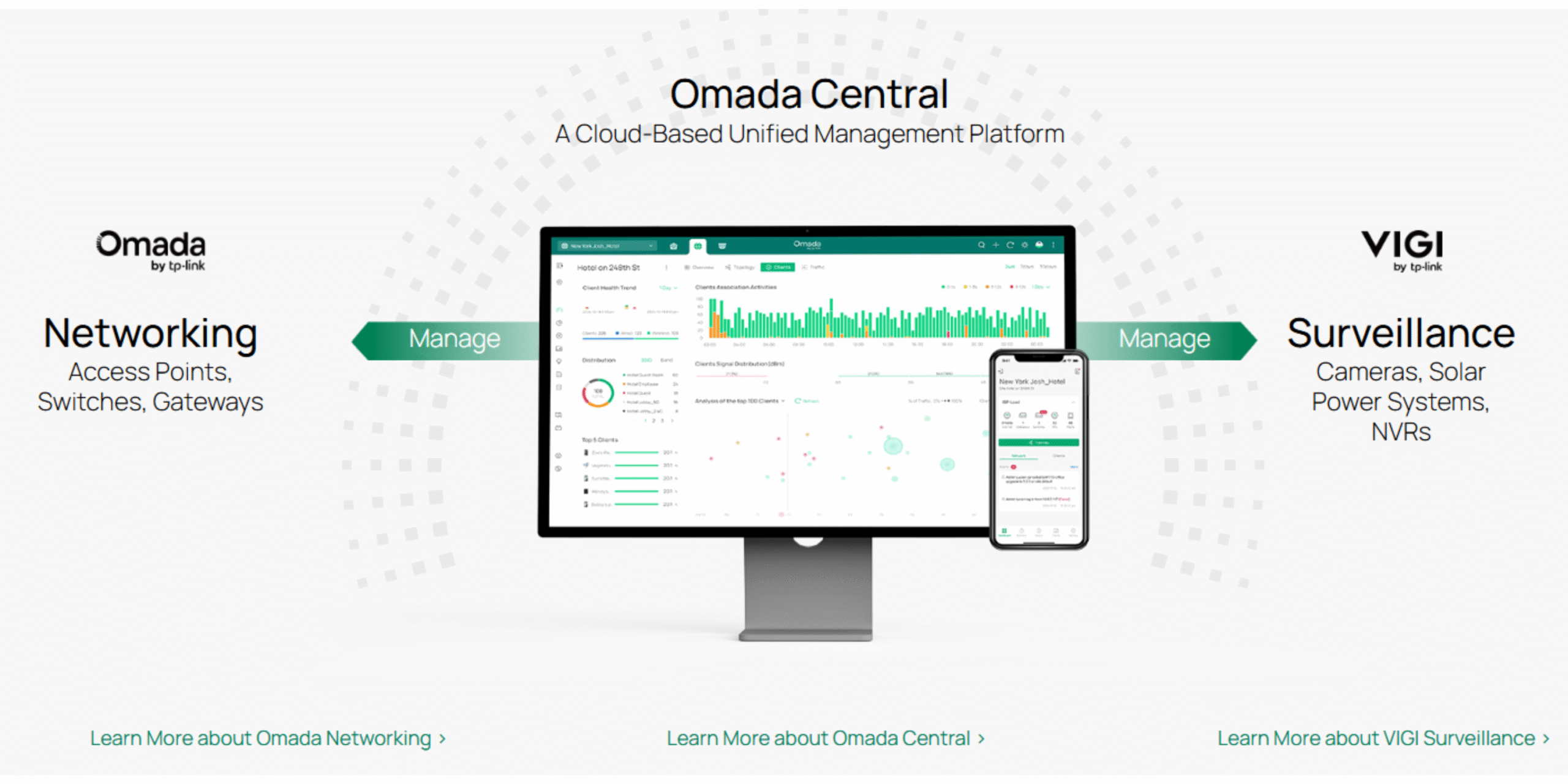
- Centralised cloud management via the web or the Omada app*
- DoS/DDoS protection, IP/MAC/URL filtering, DPI, and IPS/IDS for enhanced security
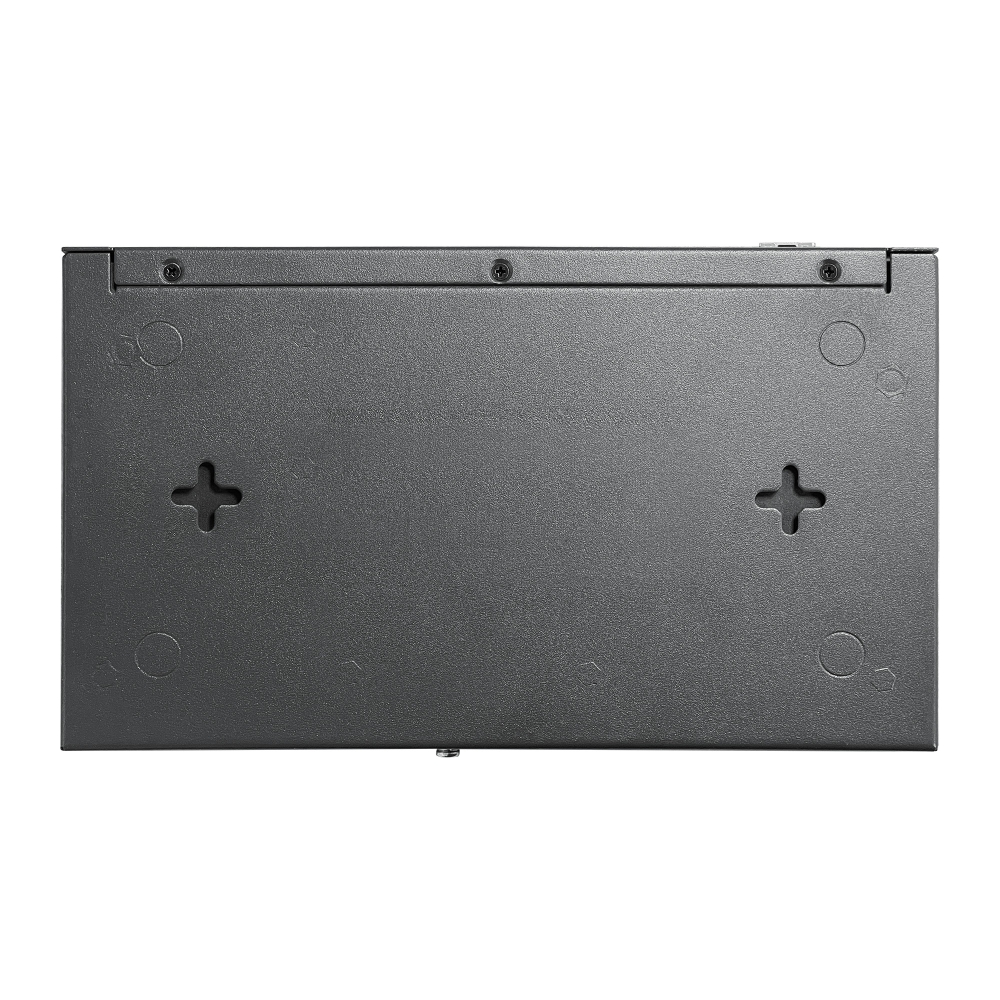
- Rackmount, Desktop, or Wall Mount
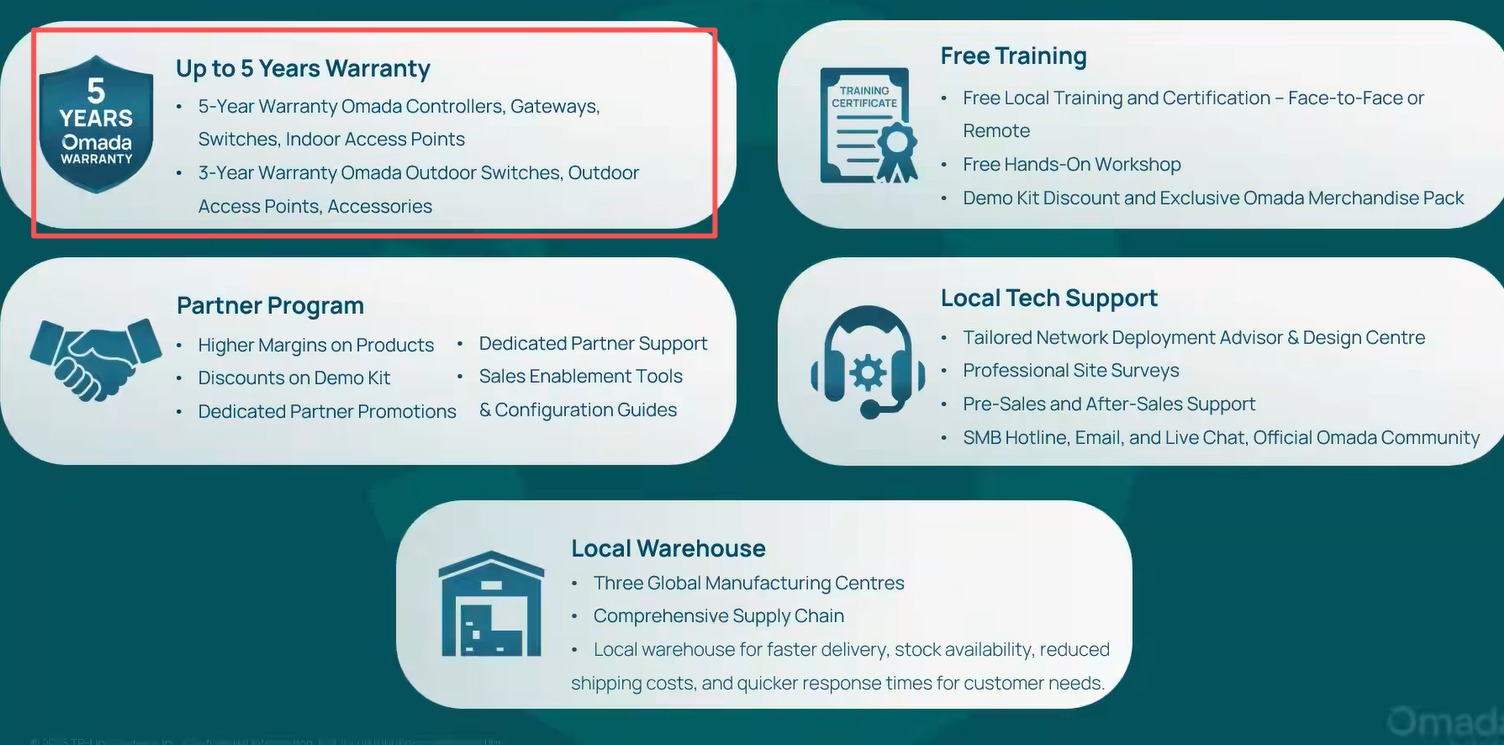
- 5 years limited b2b warranty

| SECURITY | |
|---|---|
| Access Control | Source/Destination IP Based Access Control |
| Filtering | • WEB Group Filtering§ • URL Filtering • Web Security§ |
| ARP Inspection | • Sending GARP Packets§ • ARP Scanning§ • IP-MAC Binding§ |
| Attack Defense | • TCP/UDP/ICMP Flood Defense • Block TCP Scan (Stealth FIN/Xmas/Null) • Block Ping from WAN |
| HARDWARE FEATURES | |
|---|---|
| Standards and Protocols | • IEEE 802.3, IEEE802.3u, IEEE802.3ab, IEEE802.3z, IEEE 802.3x, IEEE 802.1q, IEEE802.3bz • TCP/IP, DHCP, ICMP, NAT, PPPoE, NTP, HTTP, HTTPS, DNS, IPSec, PPTP, L2TP, OpenVPN, SNMP, WireGuard VPN |
| Interface | • 1× 2.5G RJ45 WAN Port • 1× 2.5G RJ45 WAN/LAN Port • 1× Gigabit SFP WAN/LAN Port • 4× Gigabit RJ45 WAN/LAN Ports • 1× USB 2.0 Port (Supports USB storage, and LTE backup with LTE dongle) |
| Network Media | • 10BASE-T: UTP category 3, 4, 5 cable (Max 100 m) EIA/TIA-568 100Ω STP (Max 100 m) • 100BASE-TX: UTP category 5, 5e cable (Max 100 m) EIA/TIA-568 100Ω STP (Max 100 m) • 1000BASE-T: UTP category 5, 5e, 6 cable (Max 100 m) • 2500BASE-T: UTP category 5, 5e, 6 cable (Max 100 m) |
| Fan Quantity | Fanless |
| Button | Reset Button |
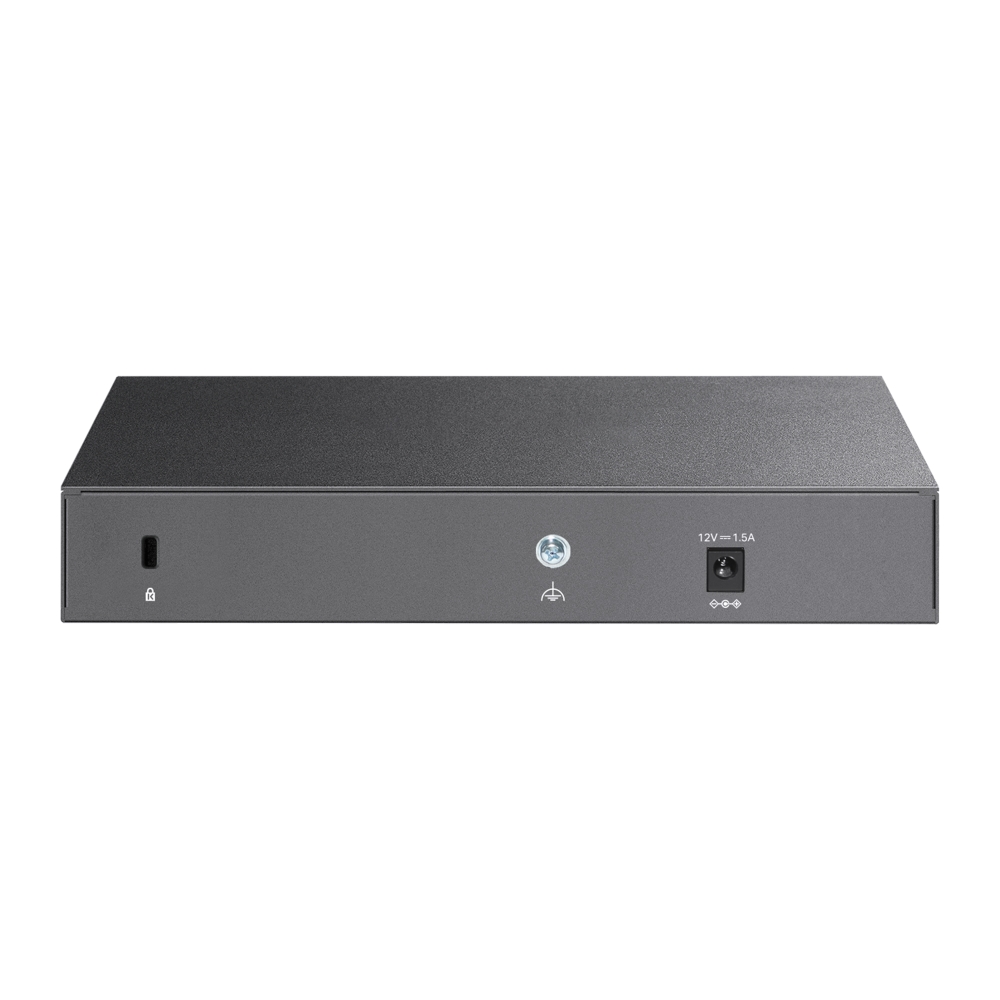
| Power Supply | 12V/1.5A Adapter |
| PoE Budget | – |
| Flash | 128MB NAND |
| DRAM | 1 GB DDR4 |
| LED | PWR, SYS, SFP, USB, WAN (Speed, Link/Act), LAN (Speed, Link/Act) |
| Dimensions ( W x D x H ) | 8.9 × 5.2 × 1.4 in (226 × 131 × 35 mm) |
| Protection | 4 kV surge protection |
| Enclosure | Steel |
| Mounting | Rackmout, Desktop, or Wall Mount |
| Max. Power Consumption | 14.2 W (with USB2.0 connected) 7.1 W (without USB2.0 connected) |
| PERFORMANCE | |
|---|---|
| IPS Throughput | TCP: 208 Mbps; UDP: 161 Mbps |
| DPI Throughput | TCP: 1823 Mbps; UDP: 1272 Mbps |
| WireGuard VPN Throughput | 343Mbps |
| Concurrent Session | 500,000 |
| New Sessions /Second | 6,000 |
| NAT (Static IP) | 2365.17 Mbps / 2364.45 Mbps |
| NAT(DHCP) | 2364.45 Mbps / 2366.04 Mbps |
| NAT(PPPoE) | 2347.14 Mbps / 2348.29 Mbps |
| NAT (L2TP) | 1308.86 Mbps / 974.10 Mbps |
| NAT (PPTP) | 1236.27 Mbps / 1280.99 Mbps |
| IPsec VPN Throughput | • ESP-SHA1-AES256: 673.3 Mbps • ESP-SHA256-AES256: 650.2 Mbps • ESP-SHA384-AES256: 629.3 Mbps • ESP-SHA512-AES256: 633.8 Mbps |
| L2TP VPN Throughput | • Unencrypted: 1243.7 Mbps • Encrypted: 561.0 Mbps |
| SSL VPN Throughput | 132.24 Mbps |
| 66 Byte Packet Forwarding Rate | 1832.69 Mbps / 1741.84 Mbps |
| 1,518 Byte Packet forwarding rate | 2461.18 Mbps / 2457.32 Mbps |
| BASIC FUNCTIONS | |
|---|---|
| WAN Connection Type | • IPv4_Static IP • IPv4_Dynamic IP • IPv4_PPPOE • IPv4_L2TP • IPv4_PPTP • IPv6_PPP • IPv6_DHCPv6 • IPv6_Static IP • IPv6_6in4 • IPv6_Pass-Through • Mobile Broadband: 4G/3G modem for backup via USB port |
| MAC Clone | Modify WAN/LAN MAC Address† |
| DHCP | • DHCP Server • DHCPv6 PD Server (only in Standalone Mode) • DHCP Options Customization • DHCP Address Reservation • Multi-IP Interfaces* • Multi-Net DHCP* |
| IPv6 | StaticIP / SLAAC / DHCPv6 / PPPoE / 6to4Tunnel / PassThrough / Non-Address mode |
| VLAN | 802.1Q VLAN |
| IPTV | IGMP v2/v3 Proxy, Custom Mode, Bridge Mode |
| Advanced Features | |
|---|---|
| Advanced Routing | • Static Routing • Policy Routing • RIP (only in Standalone Mode) • OSPF (only in Standalone Mode) |
| Bandwidth Control | • IP/Port-based Bandwidth Control • Guarantee & Limited Bandwidth |
| Load Balance | • Intelligent Load Balance • Application Optimized Routing • Link Backup (Timing§, Failover) • Online Detection |
| NAT | • One-to-One NAT§ • Multi-Net NAT • Port Forwarding • Port Triggering§ • NAT-DMZ • FTP/H.323/SIP/IPSec/PPTP ALG • UPnP |
| Session Limit | IP-based Session Limit |
| VPN | |
|---|---|
| SD-WAN | √ (Only in Controller Mode) |
| IPsec VPN | • 100 IPSec VPN Tunnels • LAN-to-LAN, Client-to-LAN • Main, Aggressive Negotiation Mode • DES, 3DES, SHA1, AES128, AES192, AES256 Encryption Algorithm • IKEv1/v2 • MD5, SHA1, SHA2-384 and SHA2-512 Authentication Algorithm • NAT Traversal (NAT-T) • Dead Peer Detection (DPD) • Perfect Forward Secrecy (PFS) |
| PPTP VPN | • PPTP VPN Server • PPTP VPN Clients (12) • 60 Tunnels (Shared with L2TP) • PPTP with MPPE Encryption |
| L2TP VPN | • L2TP VPN Server • L2TP VPN Clients (12) • 60 Tunnels (Shared with PPTP) • L2TP over IPSec |
| OpenVPN | • OpenVPN Server • OpenVPN Clients (6) • 66 OpenVPN Tunnels* |
| WireGuard VPN | • 20 Tunnels |
| AUTHENTICATION | |
|---|---|
| Web Authentication | • No Authentication • Simple Password* • Hotspot (Local User/Voucher*/SMS*/Radius*) • External Radius Server • External Portal Server* • LDAP |
| Management Features | |
|---|---|
| Omada App | Yes. Requires the use of Omada Hardware Controller, Omada Cloud-Based Controller, or Omada Software Controller. |
| Centralized Management | • Omada Cloud-Based Controller • Omada Hardware Controller • Omada Software Controller |
| Cloud Access | Yes. Requires the use of Omada Hardware Controller, Omada Cloud-Based Controller, or Omada Software Controller. |
| Service | Dynamic DNS (Dyndns, No-IP, Peanuthull, Comexe) |
| Maintenance | • Web Management Interface • Remote Management • Export & Import Configuration • SNMP v1/v2c/v3* • Diagnostics (Ping & Traceroute)§ • NTP Synchronize§ • Port Mirroring • CLI (only in Standalone Mode) • Syslog Support |
| Zero-Touch Provisioning | Yes. Requires the use of Omada Cloud-Based Controller. |
| Management Features | • Automatic Device Discovery* • Batch Configuration* • Batch Firmware Upgrading* • Intelligent Network Monitoring* • Abnormal Event Warnings* • Unified Configuration* • Reboot Schedule* |
| OTHERS | |
|---|---|
| Certification | CE, FCC, RoHS |
| Package Content | • ER707-M2 • Power Adapter • Quick Installation Guide • Rackmount Kit |
| System Requirements | Microsoft Windows 98SE, NT, 2000, XP, Vista™ or Windows 7/8/8.1/10, MAC OS, NetWare, UNIX or Linux |
| Environment | • Operating Temperature: 0–40 ℃ (32–104 ℉); • Storage Temperature: -40–70 ℃ (-40–158 ℉) • Operating Humidity: 10–90% RH non-condensing • Storage Humidity: 5–90% non-condensing |
TP-Link Omada Support Articles
Key Reasons to Choose Omada Networks
1. Centralized Management
Omada’s Software Defined Networking (SDN) platform allows you to manage routers, switches, and wireless access points from a single dashboard instead of configuring each device separately.
2. Cloud-Based Monitoring
You can remotely monitor and manage customer sites from anywhere using the Omada cloud platform and mobile app, making it ideal for MSPs and IT providers.
3. No Ongoing License Fees
Unlike some enterprise networking brands, Omada offers cloud management without recurring per-device licensing costs, reducing long-term ownership expenses.
4. Easy Multi-Site Deployment
Zero-touch provisioning allows devices to be shipped directly to a site and automatically configured when connected to the internet. This is particularly useful for chain stores, schools, and distributed businesses.
5. Complete Ecosystem
Omada offers:
- Security gateways/routers
- Managed PoE switches
- Indoor Wi-Fi access points
- Outdoor Wi-Fi access points
- Hardware controllers
- Software controllers
All devices integrate into a single management platform.
6. Strong Wi-Fi Performance
Modern Omada access points support:
- Wi-Fi 6
- Wi-Fi 6E
- Wi-Fi 7
- Seamless roaming
- Mesh networking
- High-density client environments
This makes them suitable for offices, schools, hotels, and apartment complexes.
7. Advanced Business Features
Omada supports:
- VLANs
- Guest networks
- VPNs
- Access Control Lists (ACLs)
- 802.1X authentication
- Traffic monitoring
- QoS
- Network segmentation
These features are important for cybersecurity and network performance.
8. Excellent Value for Money
Many installers compare Omada with:
- Ubiquiti
- Grandstream
- Cisco
- Aruba
Omada generally provides similar core SMB functionality at a lower hardware cost.
For Security & IT Professionals
Since you work with surveillance and IT systems, Omada is particularly attractive because:
- PoE switches can power IP cameras, access-control devices, intercoms, and APs.
- VLANs can isolate CCTV traffic from office networks.
- Remote management reduces support visits.
- Multi-site monitoring simplifies customer support.
- High-power PoE models support modern PTZ cameras and Wi-Fi bridges.
For many New Zealand installers, Omada is often the best balance of cost, features, and manageability, especially when compared with higher-priced enterprise networking brands.
TP-Link | Omada Introduction | Omada Business Networking Solutions
TP-Link Omada Business Solutions
Omada Design Hub Network Planning Tool — Free, Easy, and Intelligent